See how well a résumé fits the job.
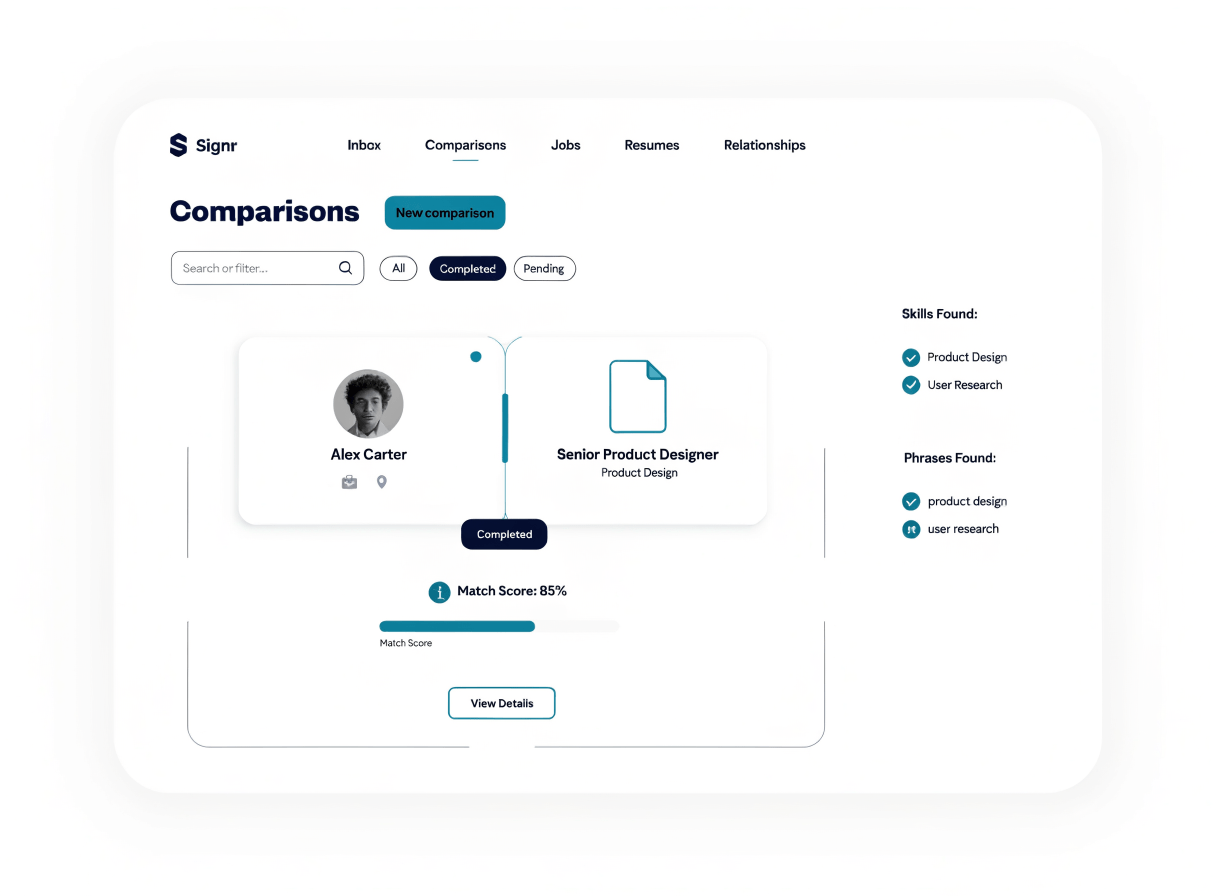
Every score links to the skills and phrases found, so you choose what matters before you apply or shortlist.
Stop guessing from a score
Open each score detail and check it yourself.
See which résumé skills map to the job’s real requirements.
Found phrases stay attached to the match, not buried in notes.
The report gives the context; you make the call.
Compare the résumé against the job
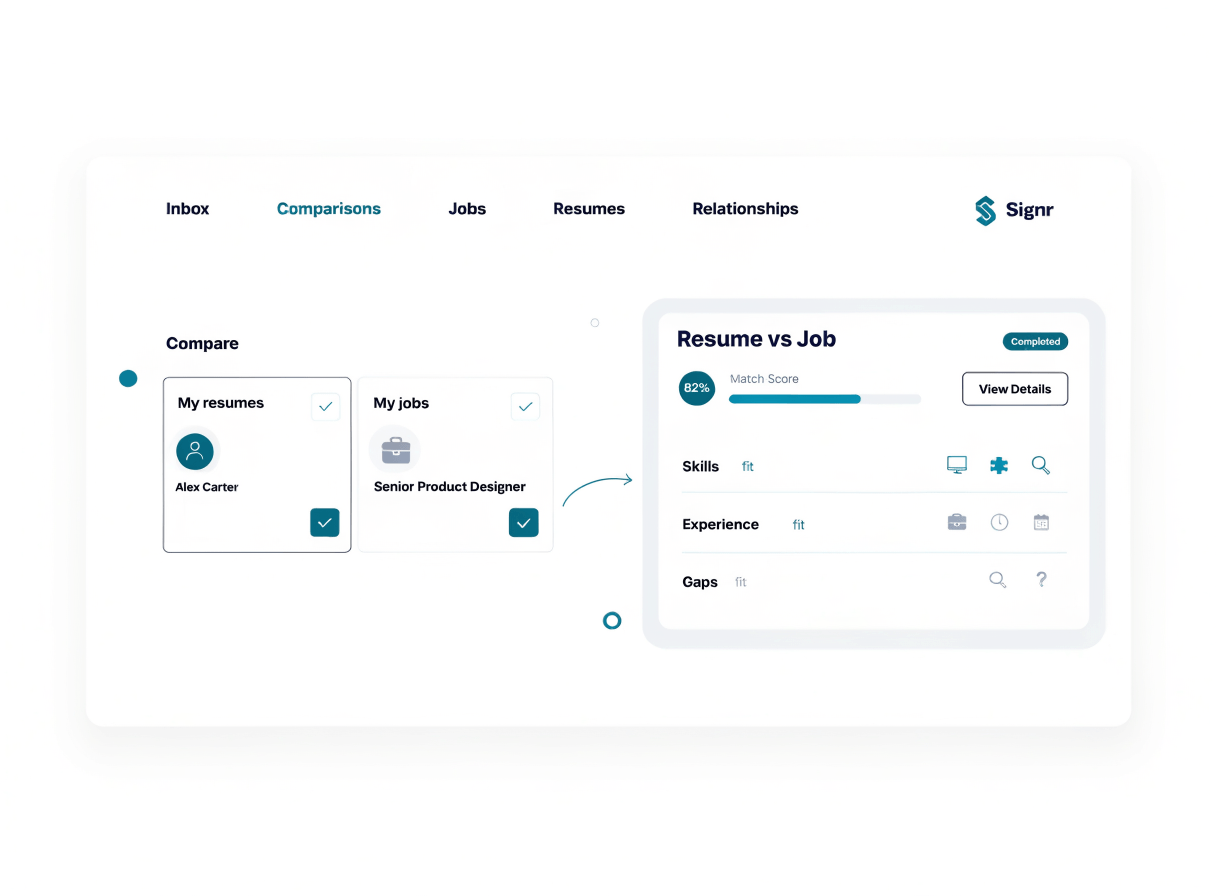
One report shows the résumé, job requirements, and fit sections in one review flow for applications or candidate screens.
- Add the résumé you want to compare.
- Paste or select the job description.
- Run the comparison to build the match report.
- Review fit sections before you apply or shortlist.
Inspect the details behind each score
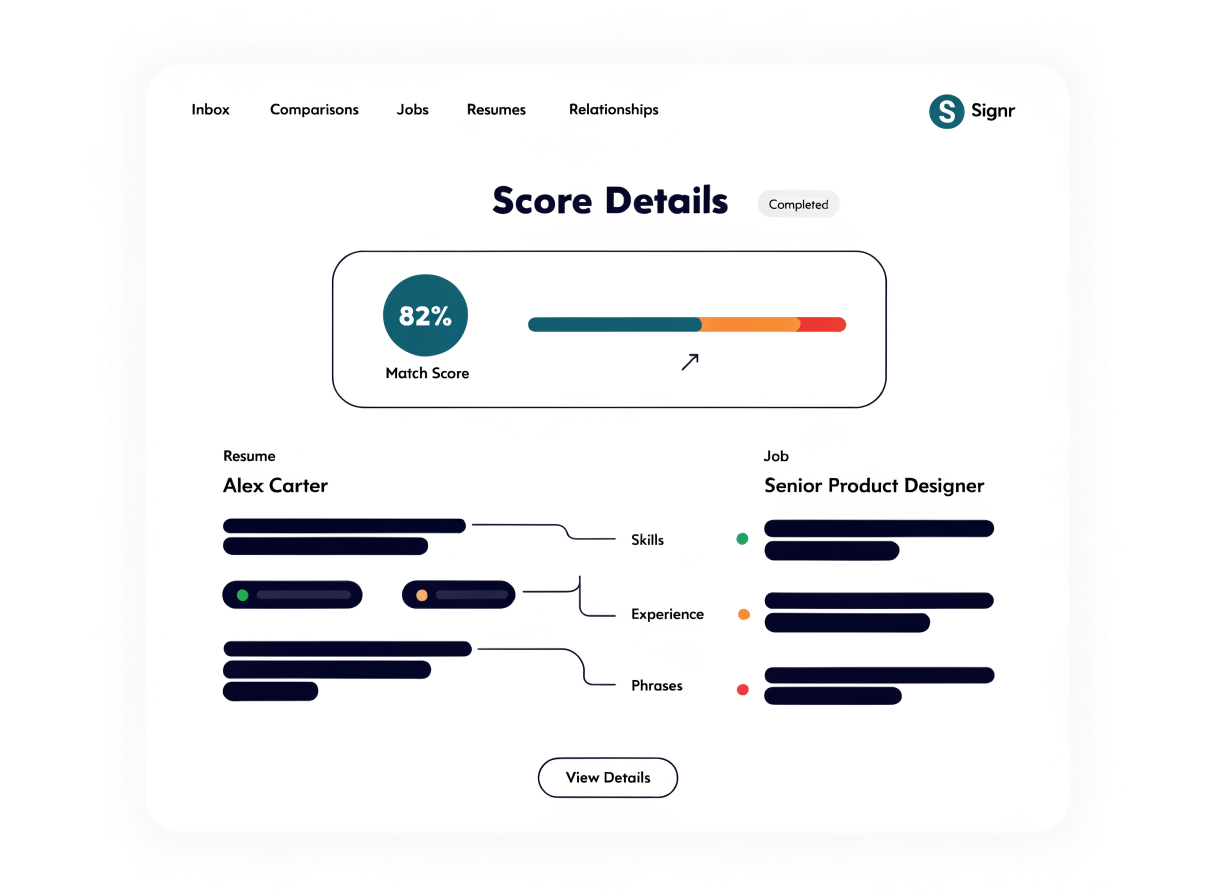
After the comparison is built, know which requirements match before you act. Signr ties each score to the skill, phrase, or job requirement it found.
- Open score sections to see matching skills and gaps.
- Trace each match to the phrase Signr found.
- Check job requirements beside the résumé details.
- Decide what matters before applying or shortlisting.
Choose your screening workflow
Use the same comparison report for one fit check, ranked matches, or a full stack review.
Check your fit
Compare your résumé to one job and see which requirements already match before you apply.
Rank your matches
See ranked jobs or candidates, with the reason each one ranks where it does.
Screen the stack
Screen a stack of résumés against the skills a role needs, and move the strongest fits into review faster.
Check the details before deciding
Each report points to found skills, phrases, and gaps, so you can review the match without letting Signr decide who advances.
- Score details show the source before you act.
- Gaps appear as review prompts, not final calls.
- You decide which matches matter for the role.
- Use one report for applying or shortlisting.
Questions, answered
Compare the fit now.
See matched skills, phrases, and gaps before you apply or shortlist.