Use Signr right on the page.
Compare the job you’re on with your résumé, without leaving the page.
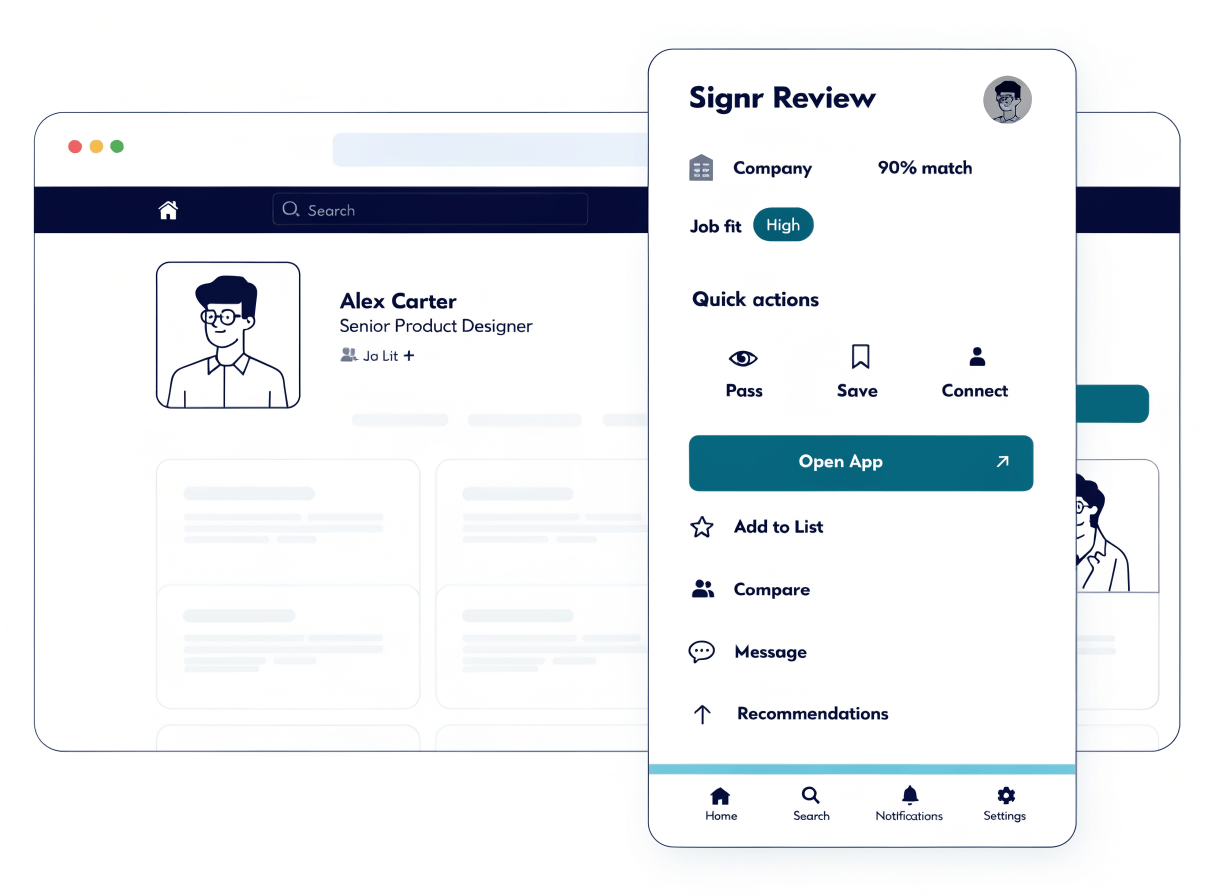
Add Signr only where it helps.
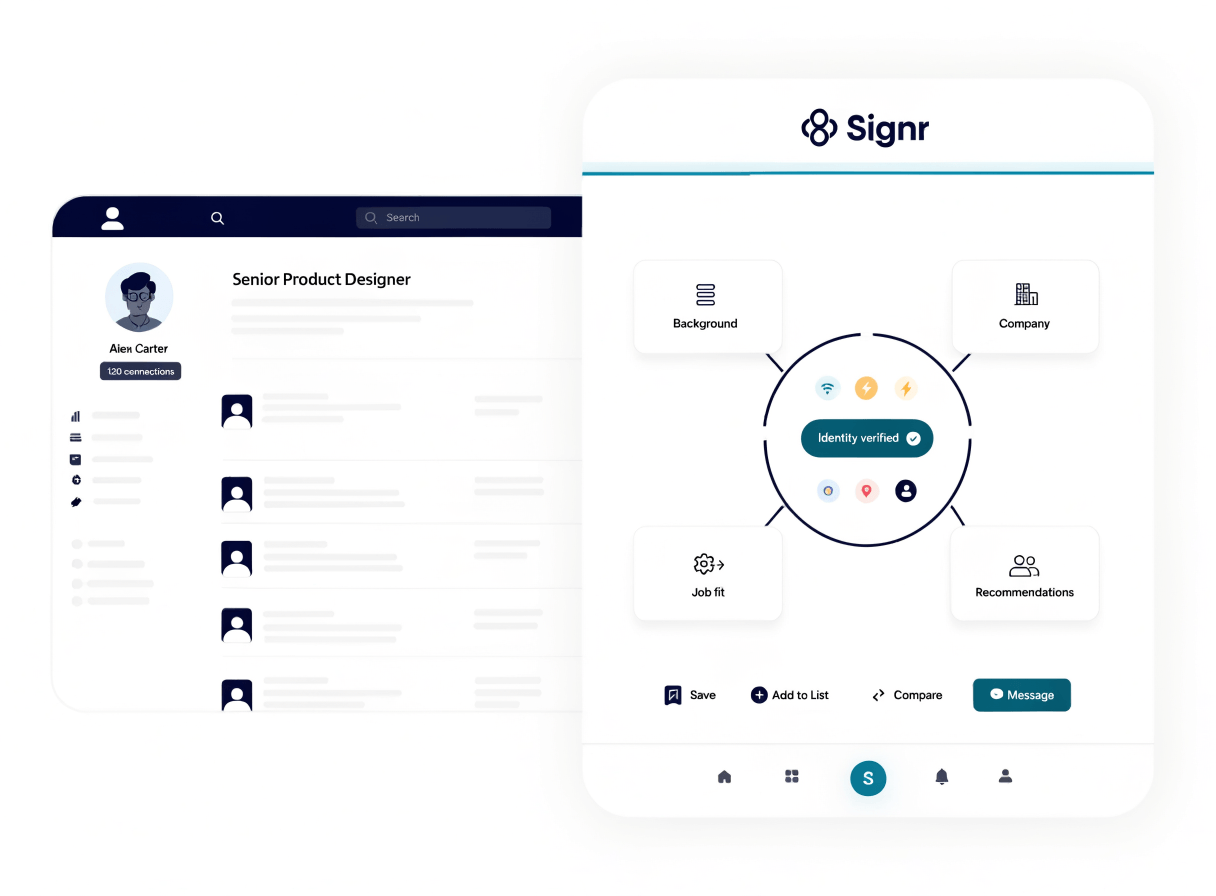
Add context and actions beside profiles, jobs, and companies as you browse.
Review search results in bulk, then pass, connect, save, or move on.
Use the web app on its own when you do not need the overlay.
Check the details before you act.
When a profile looks useful, the overlay keeps company and job context beside the page you already have open.
- Open job and company context without leaving the page.
- Message anyone on Signr without a paywall.
- Save people from the overlay for later review.
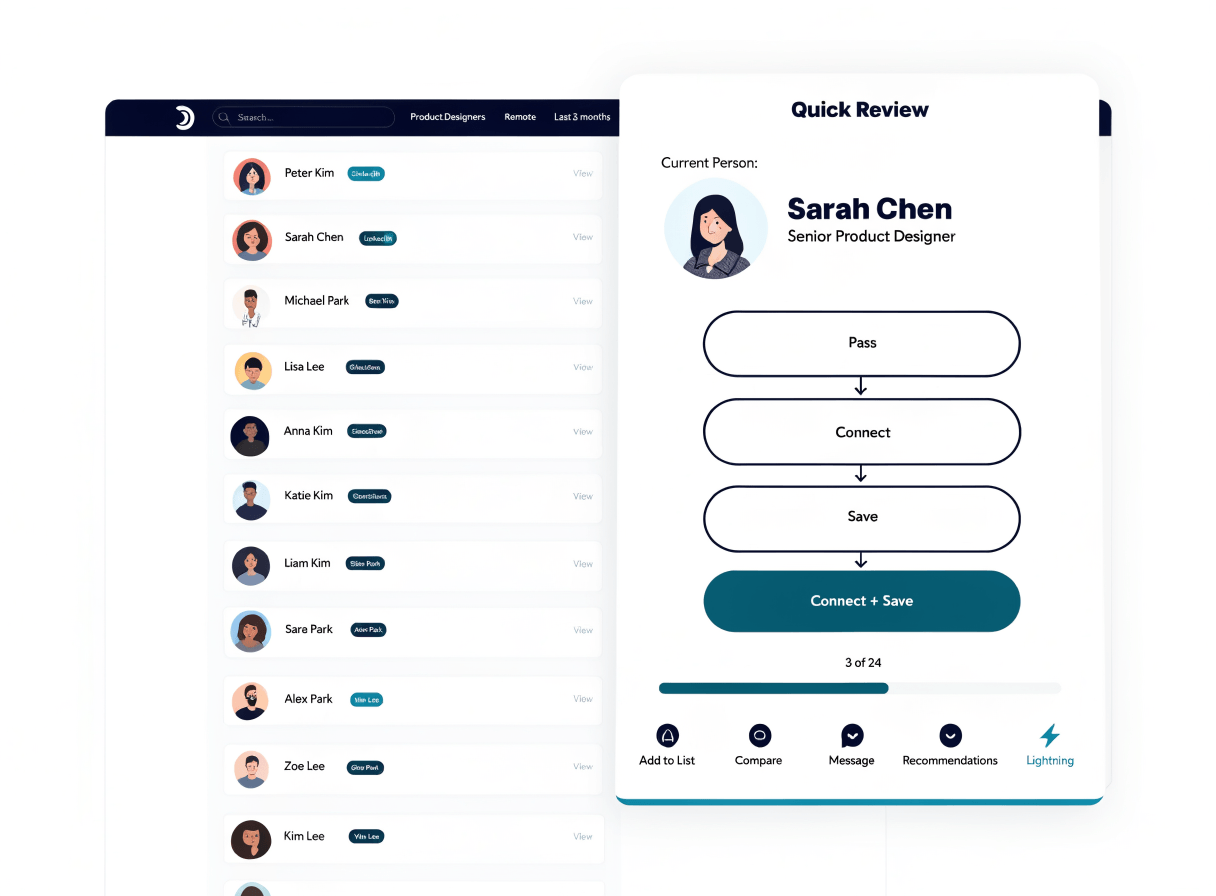
Review more results right on the page.
Move through long lists fast: pass, connect, save, or connect and save people for later right on the page.
- Open a search results page on a professional site.
- Start Quick Review from the Signr extension.
- Choose Pass, Connect, Save, or Connect & Save.
- Keep moving through the list right on the page.
- Return to saved people when you are ready.
Choose your on-page workflow.
Use the overlay for profile, company, and job context, or Quick Review for pass, connect, and save decisions across search results.
Use the extension where work happens.
Keep the web app as home base, then use the extension for profiles, jobs, messages, or quick review.
- Check profile, company, and job context while you browse.
- Review search results in bulk without leaving the page.
- Use the web app for screening, earnings, and payouts.
Common questions
Stop switching tabs.
Use Signr in your browser to review, save, connect, and keep moving.