Get hired on your terms
Find real jobs while your resume stays private
Browse real jobs already in Signr without signing up, then choose if your resume can appear in public search.

Proof you stay in control
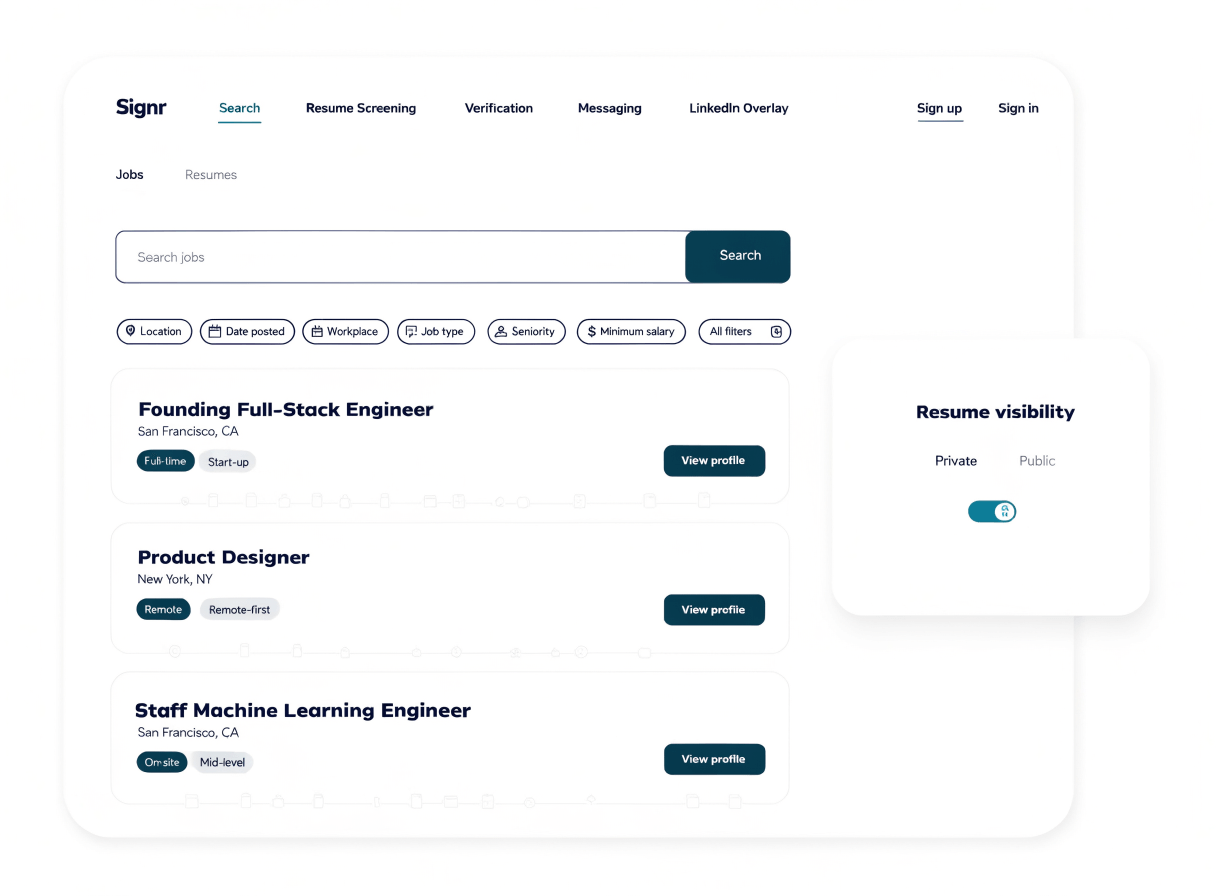
Browse real jobs before you create an account.
Resume uploads stay hidden unless you opt into public search.
Choose when your profile can appear in public search.
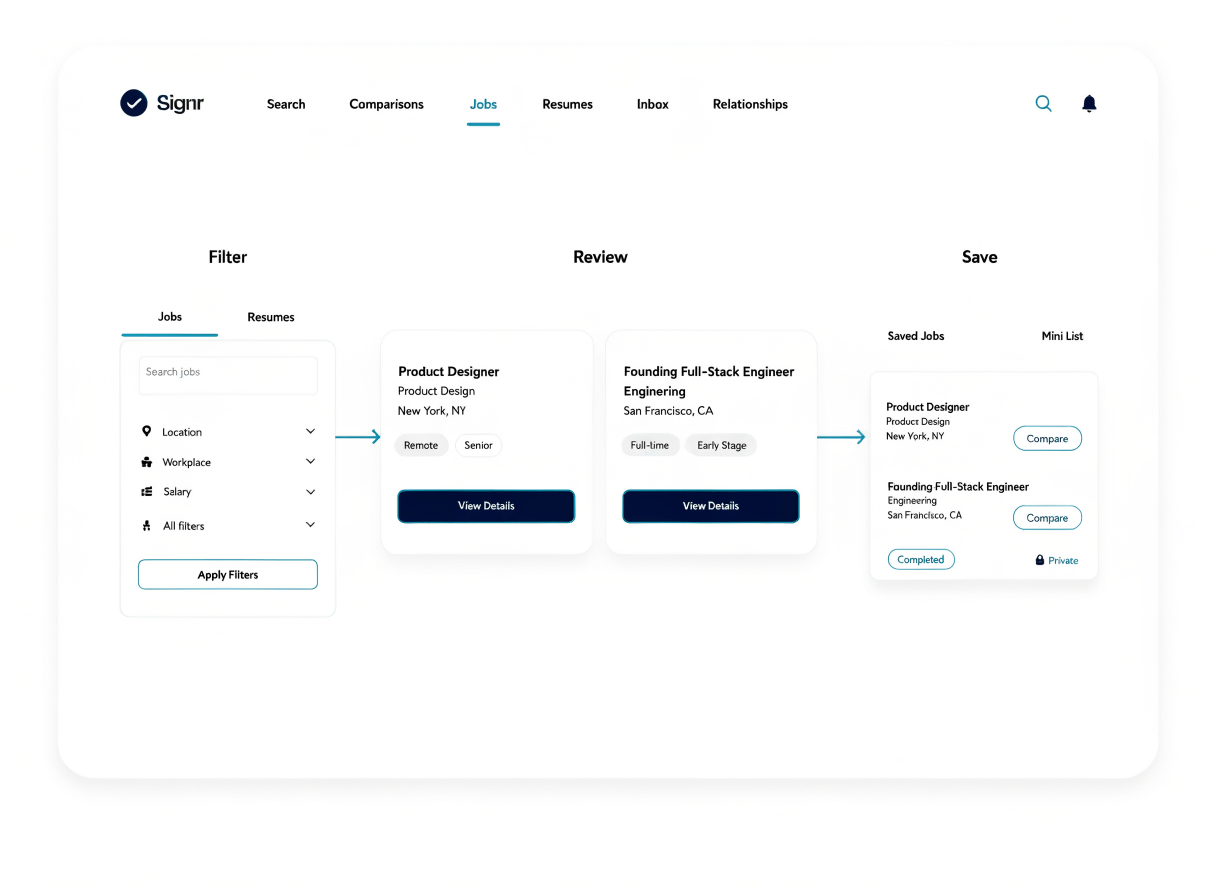
Keep promising jobs in a collection as you compare options.
Promising jobs are easier to spot
Keep roles worth your time in reach as you narrow results, review details, and save the strongest options.
- Search real jobs already in Signr.
- Filter results by the details that matter.
- Open details for roles that fit your next move.
- Save strong options to your collection.

Your resume is found only by choice
The setting is explicit: “List my profile in public search” controls whether your resume can be found. Uploads stay hidden until you turn it on.
- Resume uploads are never listed by default.
- Public search shows your profile only after you opt in.
- You can turn search visibility off in settings.
- Talent seekers only see resumes cleared by your privacy setting.

Clear answers for your next move
Dig into public search or the visibility setting, depending on what you want to check before you save a role.
Your search and visibility work together
Job hunting gets messy when saved roles, resume uploads, and public visibility live in different places. Signr keeps the loop together: search real jobs, save strong options, and appear in search only when you choose.
Answers that keep you in control
Real jobs, private by default.
Ready? Browse real jobs now. Your resume stays hidden unless you choose to be found.