Show it’s really you.
Signr can confirm your identity and professional designations, then display them for others to see.
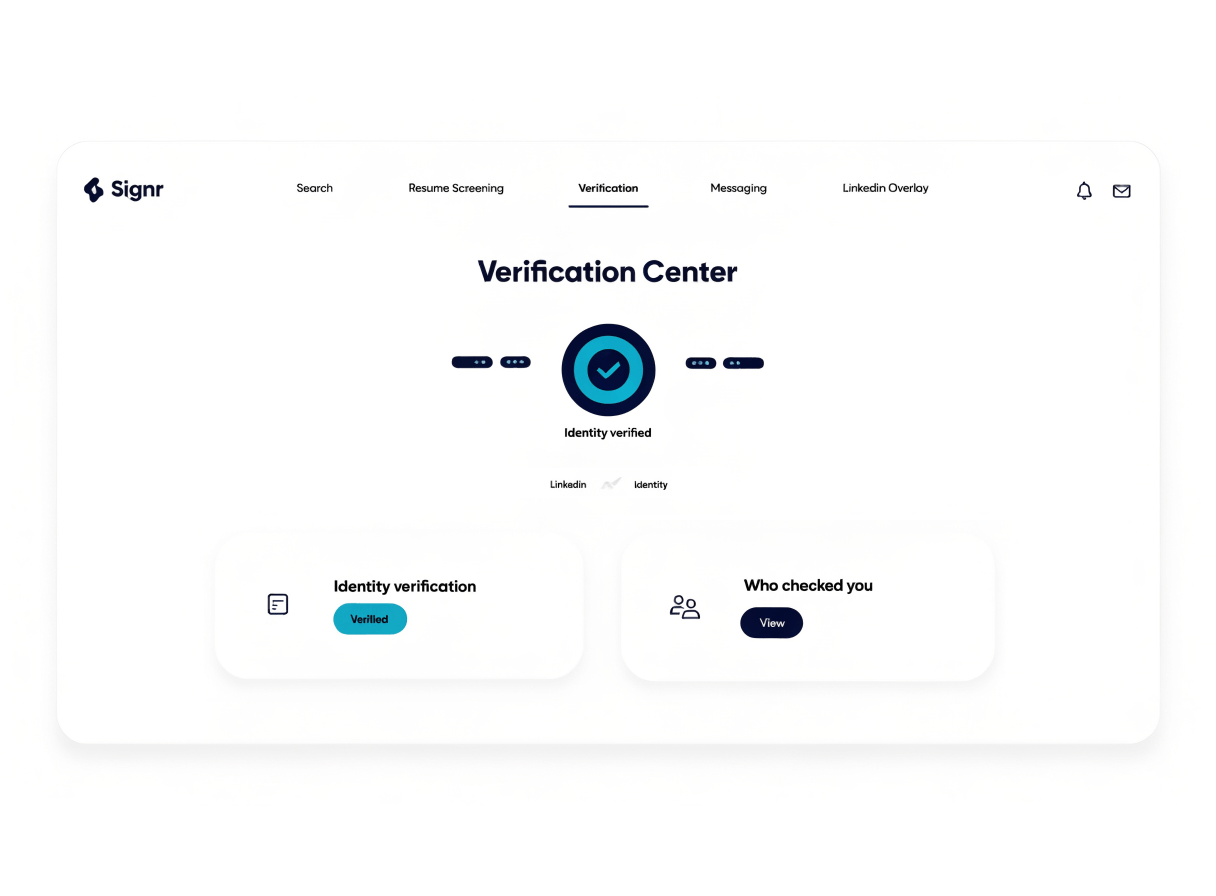
Four things your profile can show.
Show you are the person behind your profile.
Show the professional designations you hold.
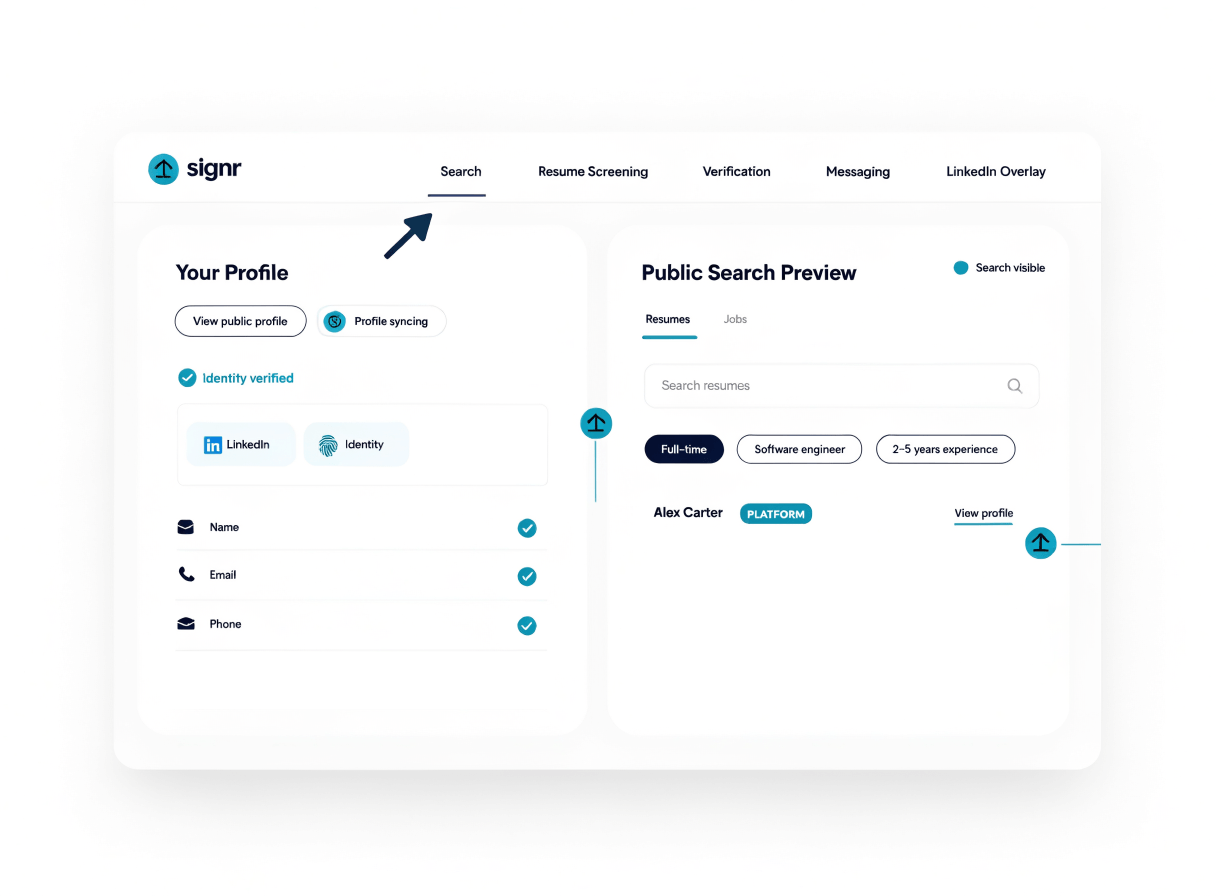
Build your profile and choose how it appears in search.
Show recommendations on your profile with visibility you control.
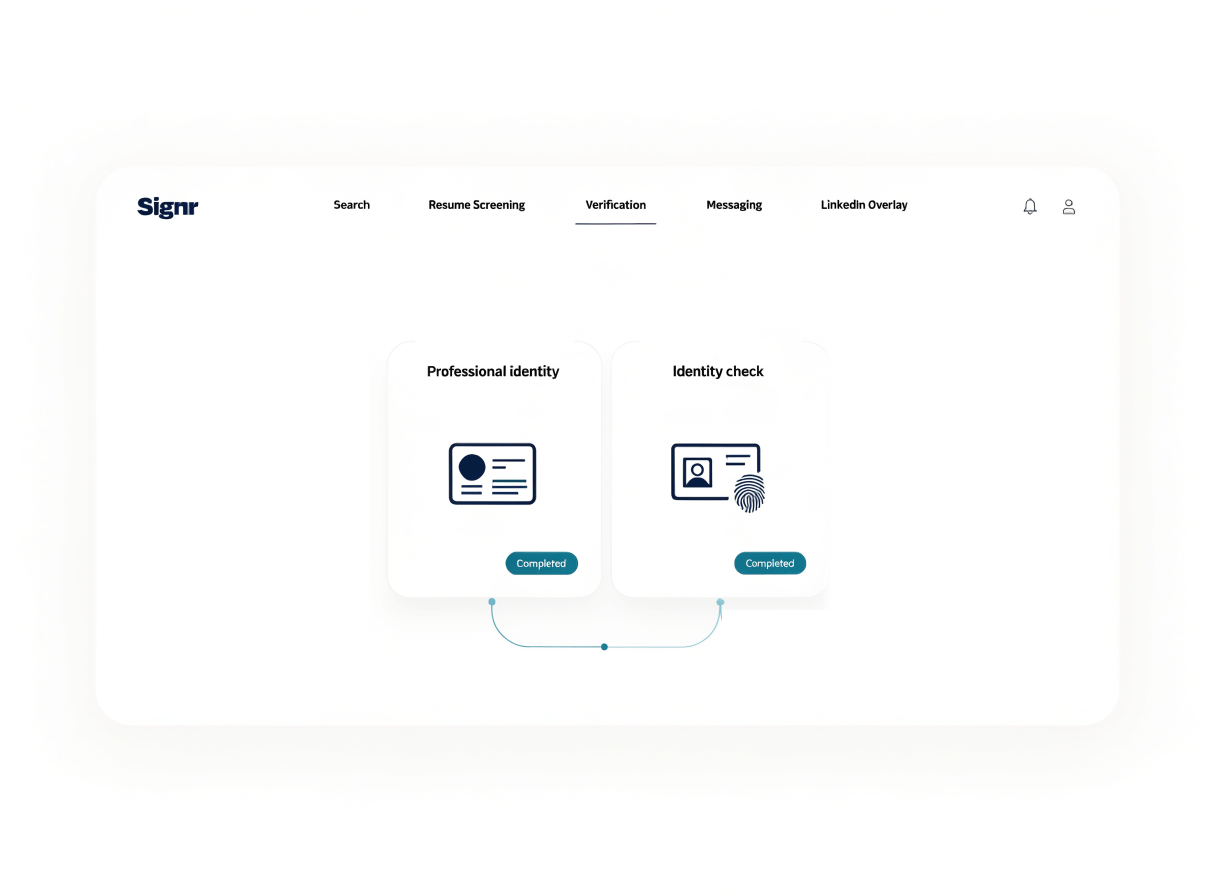
Confirm your profile. Then your ID.
Start with your professional designations, then add an identity check.
- Confirm your professional designations.
- Complete an identity check.
- Your profile shows each check once it clears.
Get found on your terms.
Choose who finds your profile.
- Choose if your profile appears in public search.
- Update visibility as your job search changes.
Your next step.
Start with a check, your profile, or your recommendations.
Identity and background checks
See what each check covers and who pays for it.
Professional designations
Confirm the professional designations you hold.
Profile
Choose what your profile shows before people contact you.
Peer recommendations
Show peer recommendations where they help, with controls over who can see them.
Questions, answered
Stop proving yourself from scratch.
Verify your professional designations, and your profile shows them.