Your identity, checked.
Take an identity check that Signr pays for. Background checks are ordered by an employer, with your consent.
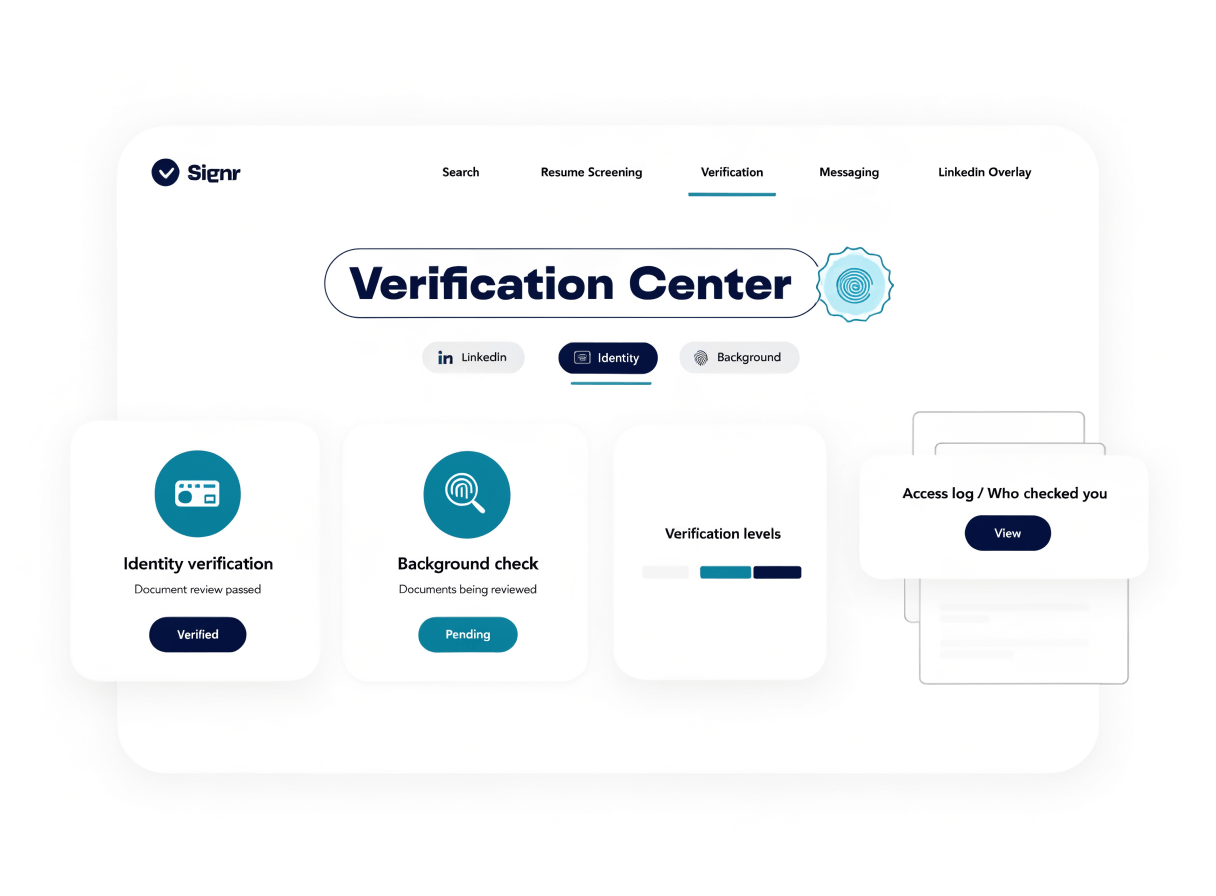
What your profile can show
Identity checked
Show you are the person behind your profile.
Verification level
Display your verification level on your profile.
Background check
Runs only when an employer orders one and you consent.
Profile visibility
Let others see your status before they decide to message.
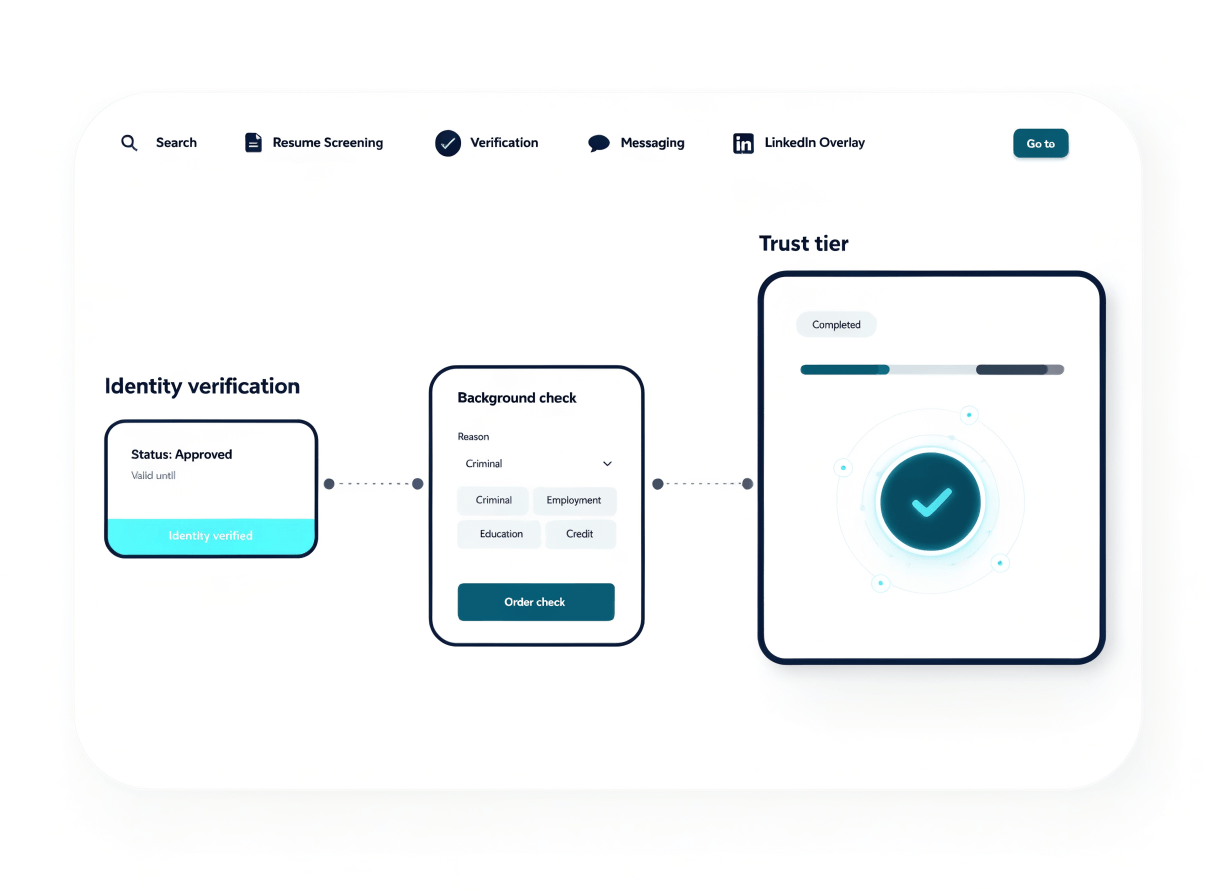
One check at a time
Move step by step, starting with your identity check.
- Start with an identity check.
- Consent when an employer orders a background check.
- Review your current verification level.
Your next step
After verification, choose whether to prove who you are or manage the profile others see.
Each check, clearly shown
Your profile shows which checks you have completed, each tied to a step you agreed to.
- Take one identity check that Signr pays for.
- Keep the verification story plain for people reviewing you.
Start with your identity.
Your profile can show your identity and background checks before the first message.