Prove it’s your profile.
Tired of proving you’re real again and again? Verify your professional identity once, and your Signr profile shows it.
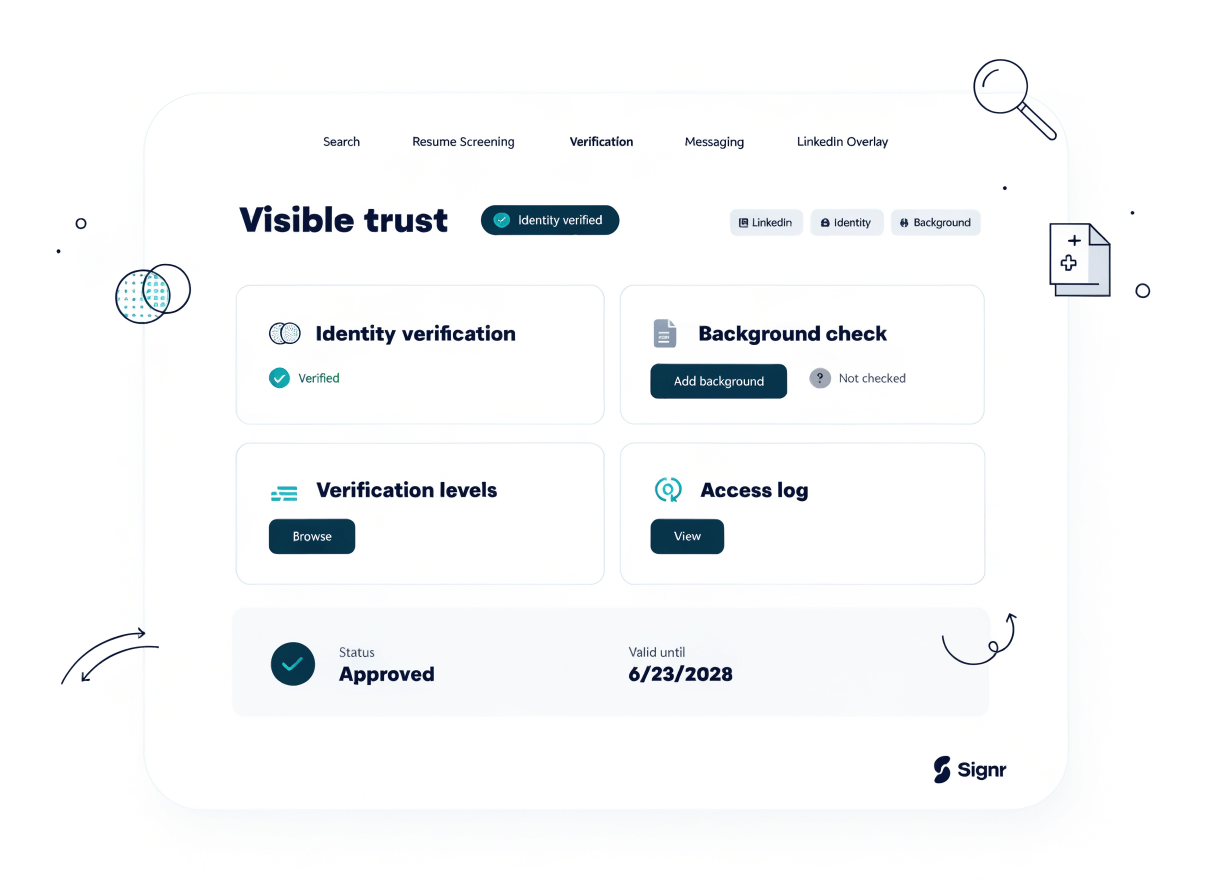
What verification adds.
Confirm your work identity from a professional source.
People can see your profile is verified before they message you.
Verify from a professional source.
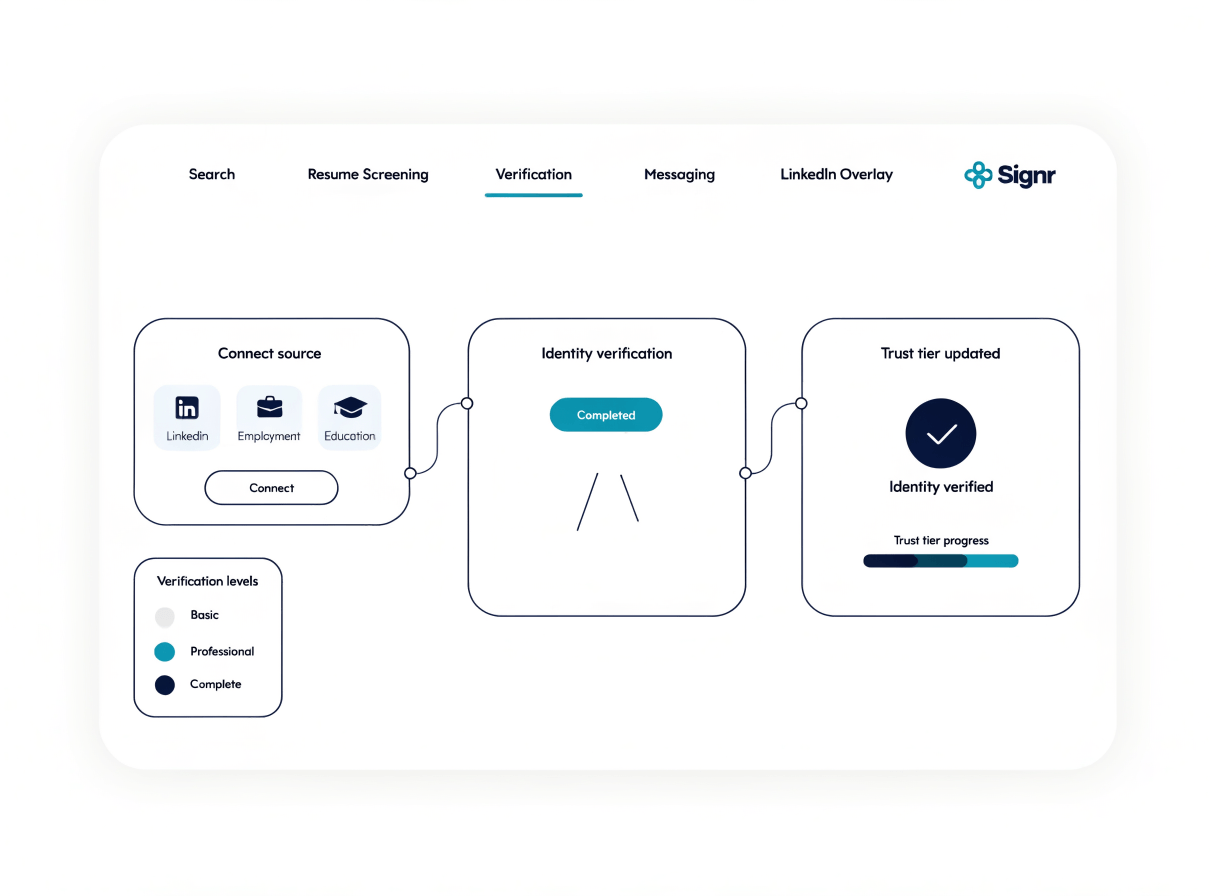
Connect a professional source, confirm it’s yours, and Signr shows that verification on your profile.
- Connect a professional source.
- Review the identity details Signr finds.
- Confirm the account is yours.
- Check the verification status on your profile.
Clear next steps for your profile.
Add an identity check, choose where your profile appears, or compare every way to get verified.
Add an identity check
Take the identity check Signr pays for.
A profile you control
Build a published profile from a professional source and choose how it appears in search.
One verification overview
Review identity, profile, and background checks before choosing your path.
Your profile stays under your control.
Your verification updates from a professional identity check, while your profile visibility stays yours to manage. Use the web app for status and the extension for context.
- Signr checks a professional source you connect.
- You control how your published profile appears in search.
- The web app shows your current verification status.
- The extension adds verified context right on the page.
Your profile, verified.
Connect a professional source and show you’re verified before first contact.