Build a profile you control.
Start from a professional source, publish when ready, and choose how your profile appears in Signr search.
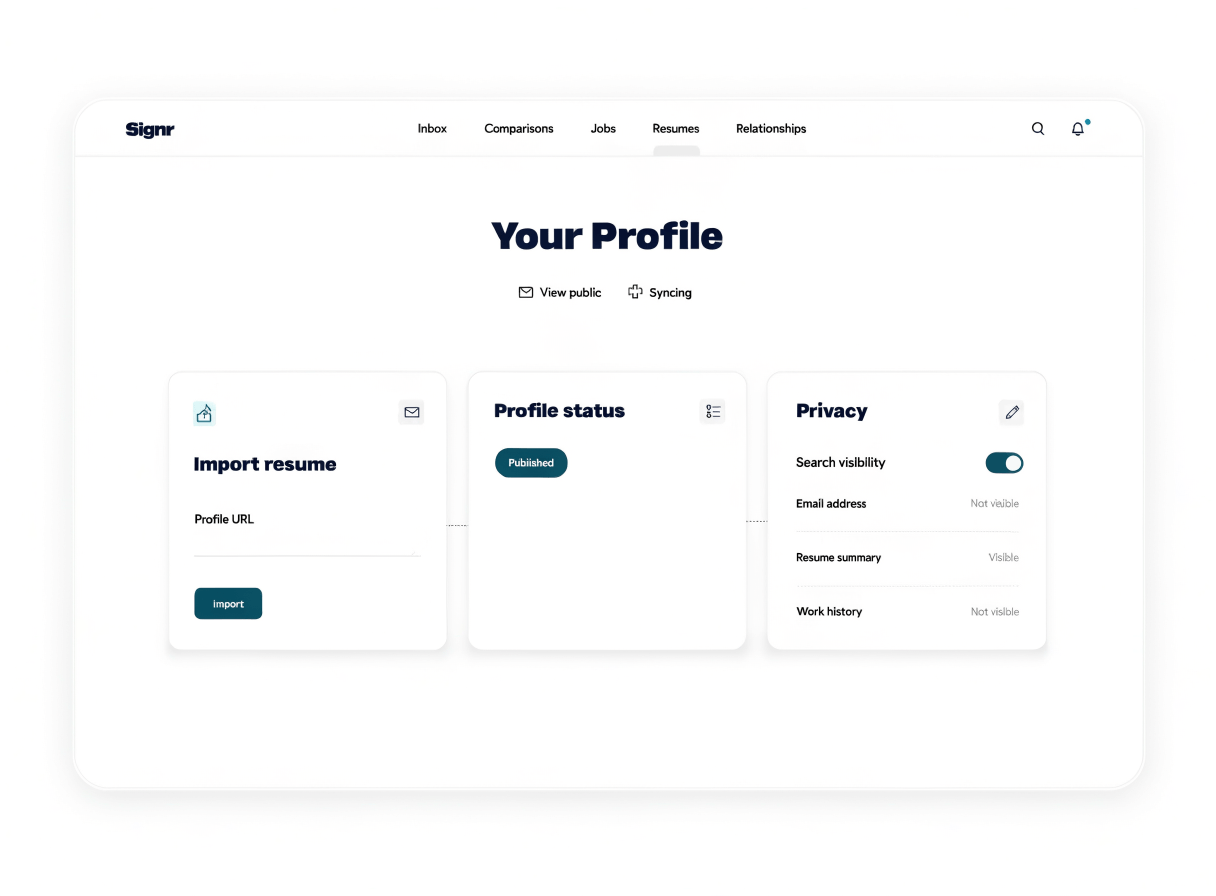
Control what people see.
Start from a professional source, then publish only when it looks right.
Choose whether your profile appears in Signr public search.
Build and publish your profile for free.
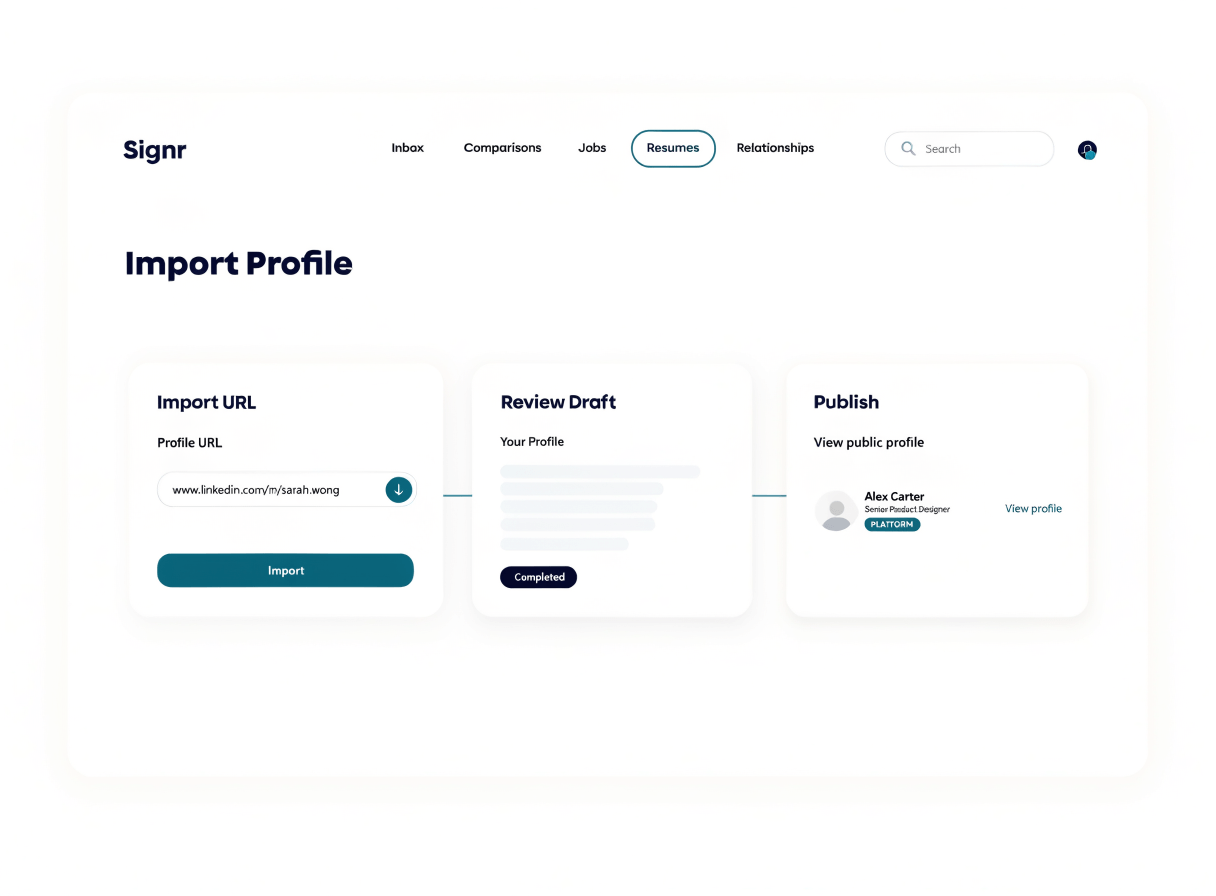
Import your professional profile.
Signr builds a draft from a professional source, lets you review each detail, then publishes a profile others can view when ready.
- Connect a professional source.
- Review the draft Signr creates.
- Edit the details people should see.
- Publish your profile when it looks right.
Choose when searchers find you.
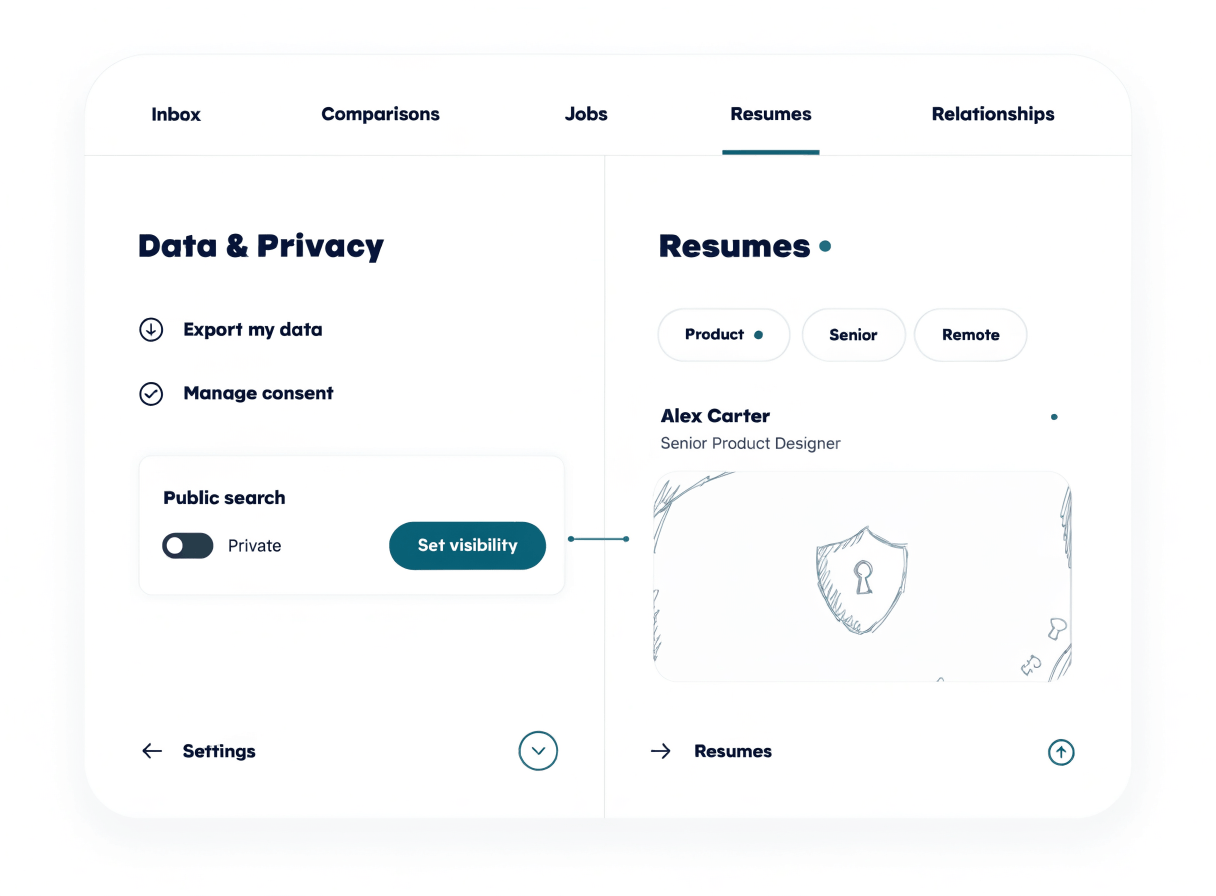
Your uploaded résumé never appears in public search. Use profile settings to decide when your published profile appears in search.
- Opt into public search only when ready.
- Control whether your published profile can be found.
- Review visible profile details before searchers find them.
- Change visibility later from profile settings.
Add more to your profile.
Confirm your identity, and choose who can find your profile.
Show the context people need.
A thin profile makes people guess before they message you. Use a published profile from a professional source to give review, outreach, and replies a clearer start.
Your profile, your call.
Build yours from a professional source, then choose who finds it.