Show recommendations on your terms.
Give and receive peer recommendations, then choose who can see each one on your Signr profile.
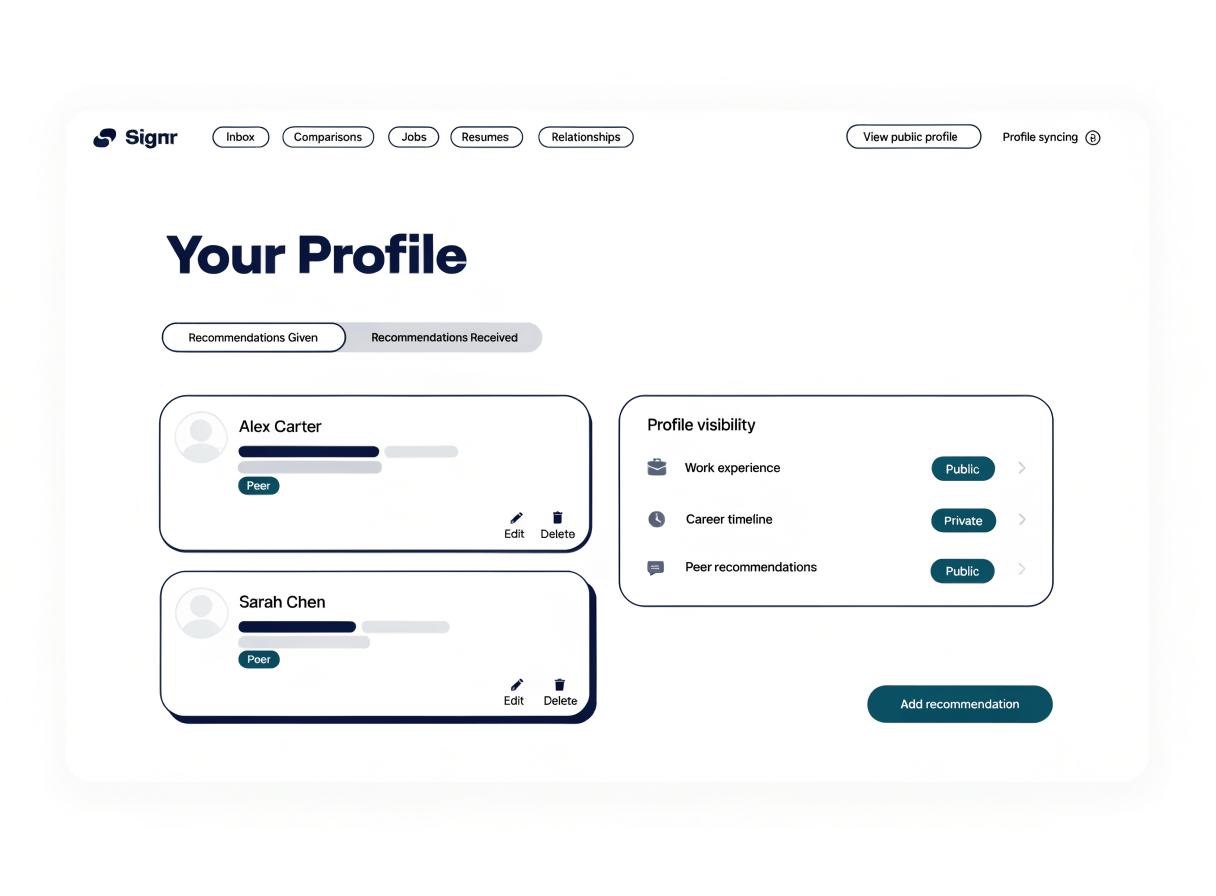
Recommendations you can show or keep private.
Give and receive recommendations from people who know your work.
Control who can see each recommendation on your profile.
Visible recommendations appear on your Signr profile.
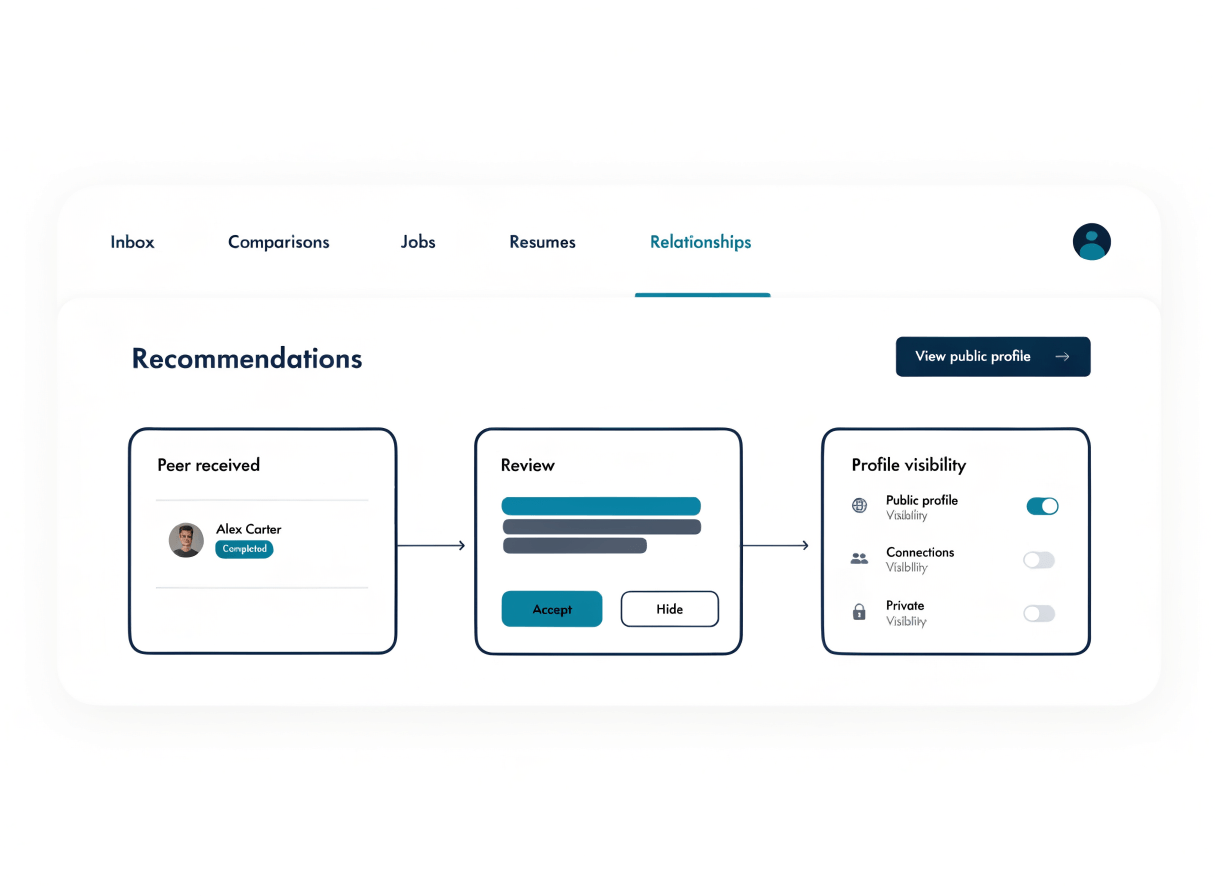
Peer recommendations stay yours from receipt to profile.
Receive peer recommendations in Signr and control who can see them when they appear on your profile.
- Give a recommendation to a peer.
- Receive recommendations from peers in Signr.
- Choose who can see each recommendation.
- Show selected recommendations on your profile.
- Keep other recommendations private.
Add human context, not pressure.
A public endorsement can feel too permanent. Signr adds peer context to your profile, while you decide what stays private or visible.
- Use recommendations from people who have seen your work up close.
- Move a recommendation to your profile when it helps.
- Keep sensitive praise private until you choose otherwise.
Where to go next.
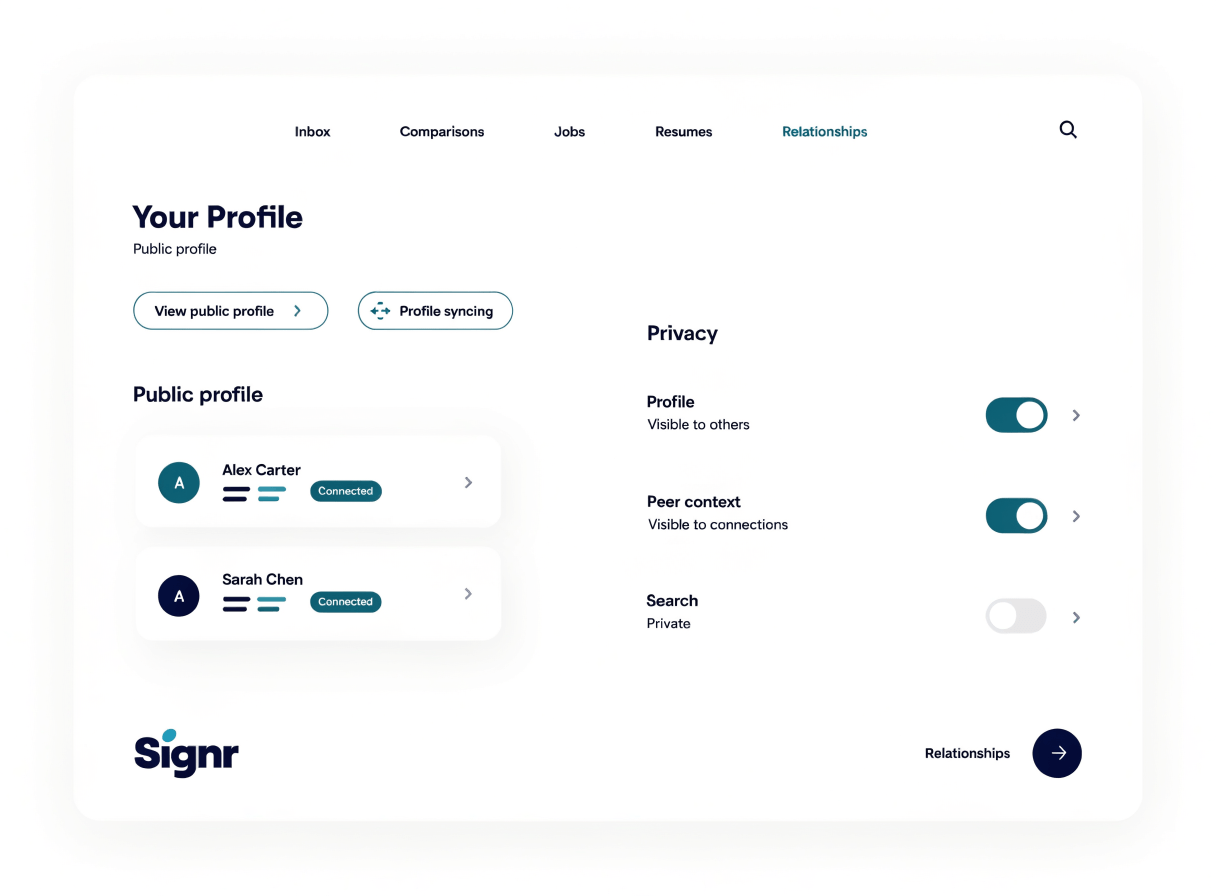
See where recommendations appear, or get help when settings change.
Published profile
Show selected recommendations beside your published profile details, with search visibility you control.
Identity verification
Show that your profile is tied to your real professional identity.
Support
Review privacy, terms, cookies, and consent details that affect profile visibility.
Control every recommendation.
Choose who sees each peer recommendation on your profile.