Your uploaded résumé stays out of public search
Your profile appears in public search only if you turn on visibility in settings.
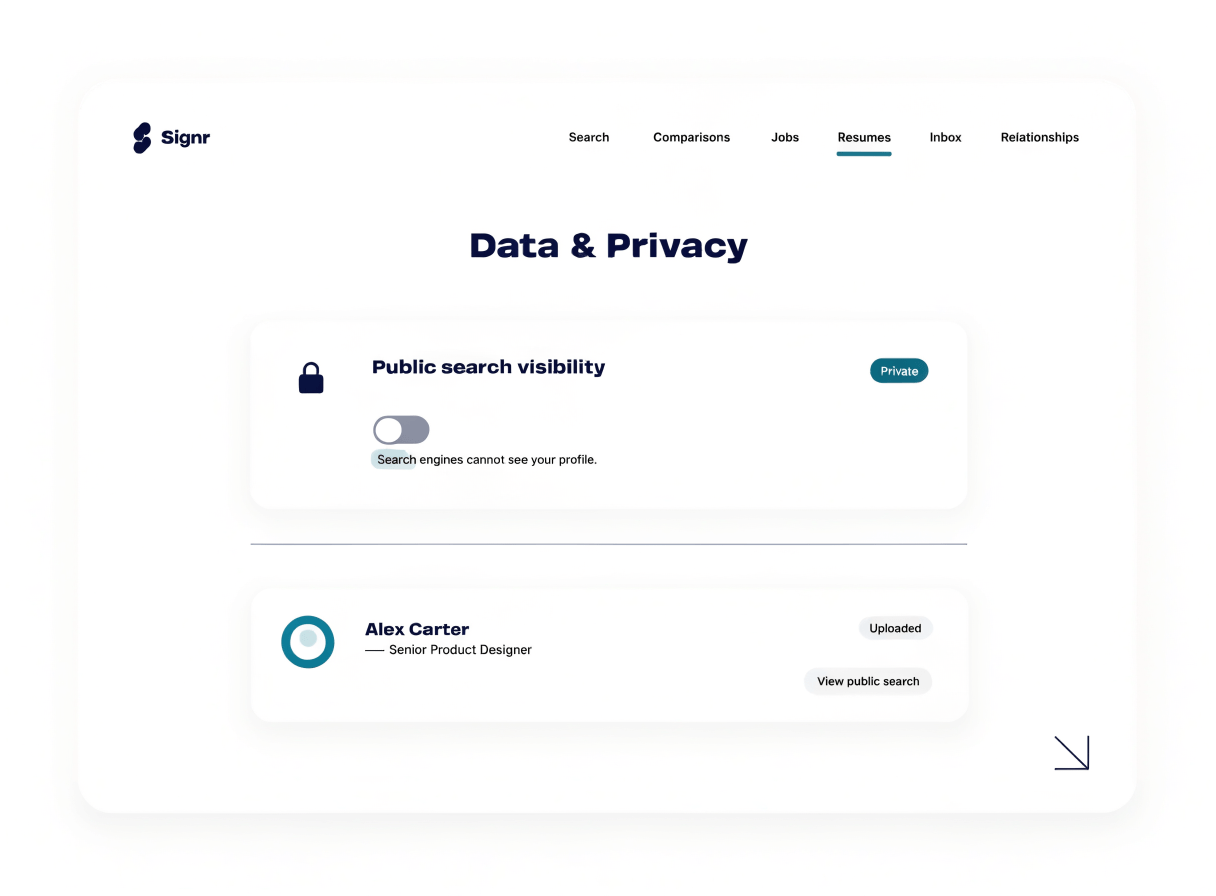
Control when your résumé appears
Your uploaded résumé is never listed in public search.
Turn public search on only when you want to be found.
Your profile settings show whether public search visibility is on.
Private uploads stay out of search
An upload creates a private résumé record, not a public listing.
- Résumé uploads never appear in public search.
- Turn visibility off again when your search changes.
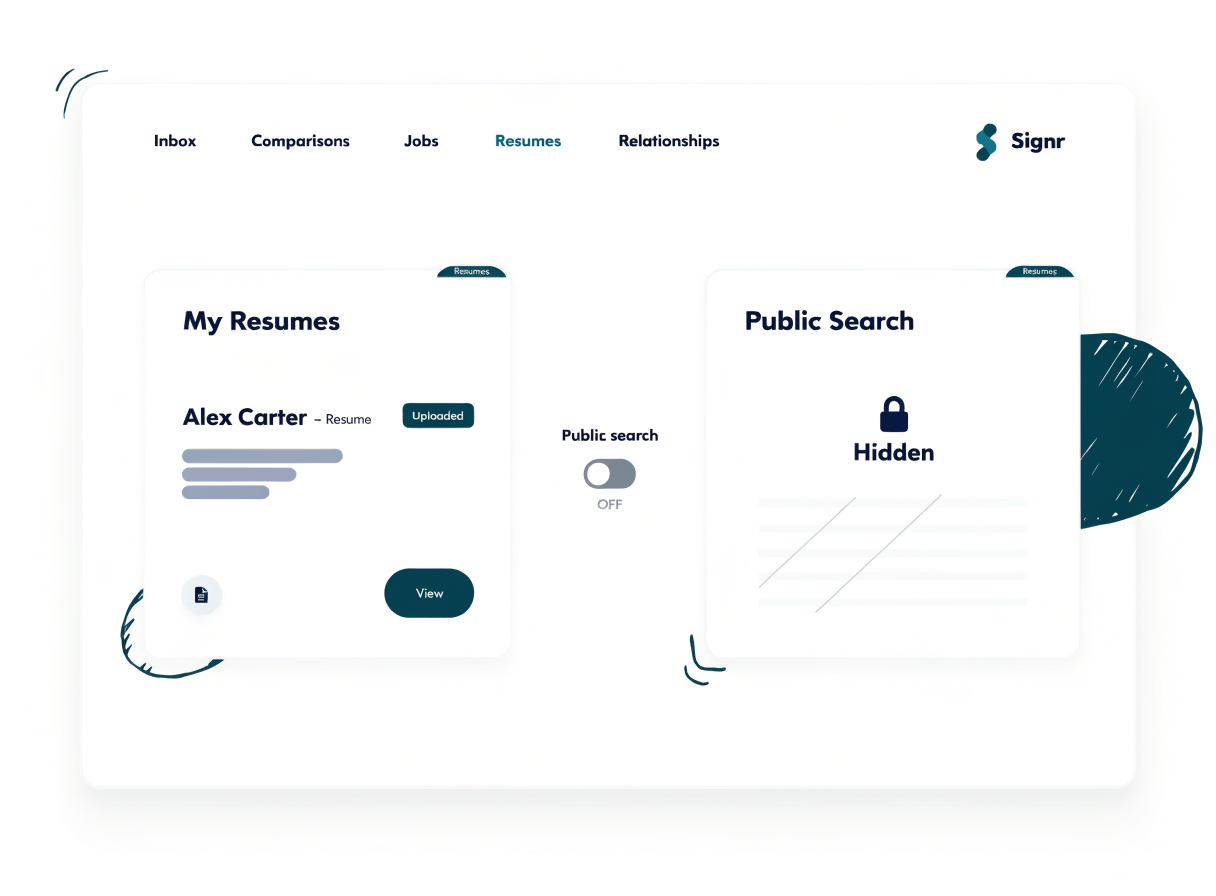
Your visibility is easy to change
Your profile settings include “List my profile in public search,” so you can check the exact switch before others can find you.
- Upload your résumé; it starts as a private record.
- Open profile settings when you want others to find you.
- Turn on “List my profile in public search.”
- Return to the same setting to turn visibility off.
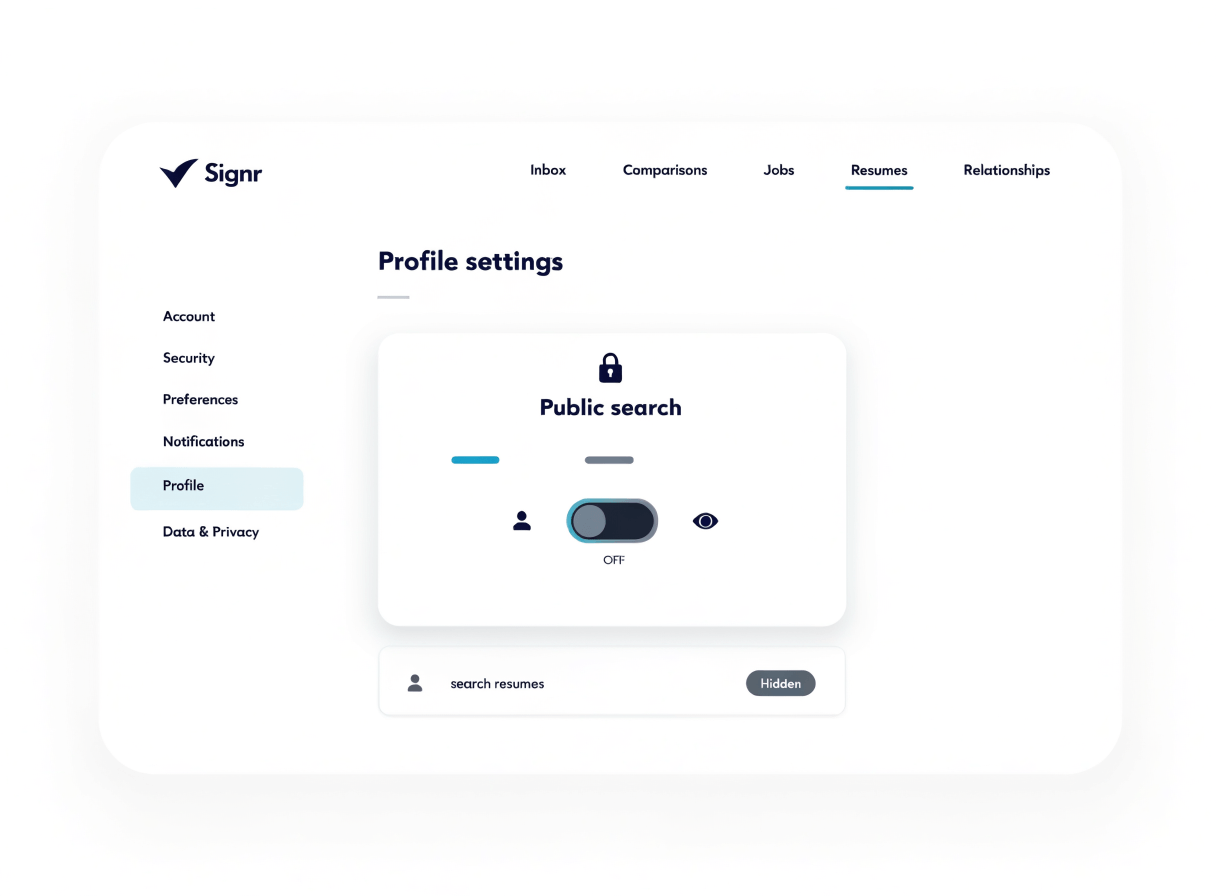
Control how you’re found next
After you check the public search switch, choose your next step: browse jobs, manage your profile, or run your search.
Search without being listed
Browse real jobs before you turn on visibility, so research stays separate from being found.
Control your profile page
Build your published profile and decide how it appears when you choose to be searchable.
Run your job search
Find roles, compare fit, and keep visibility off until being found helps your search.
Résumé visibility questions, answered
Search jobs without being listed.
Uploads never appear in public search. Your profile appears only when you list it.