Keep replies moving securely
Each message carries a one-time reply link, so people can answer without signing in.
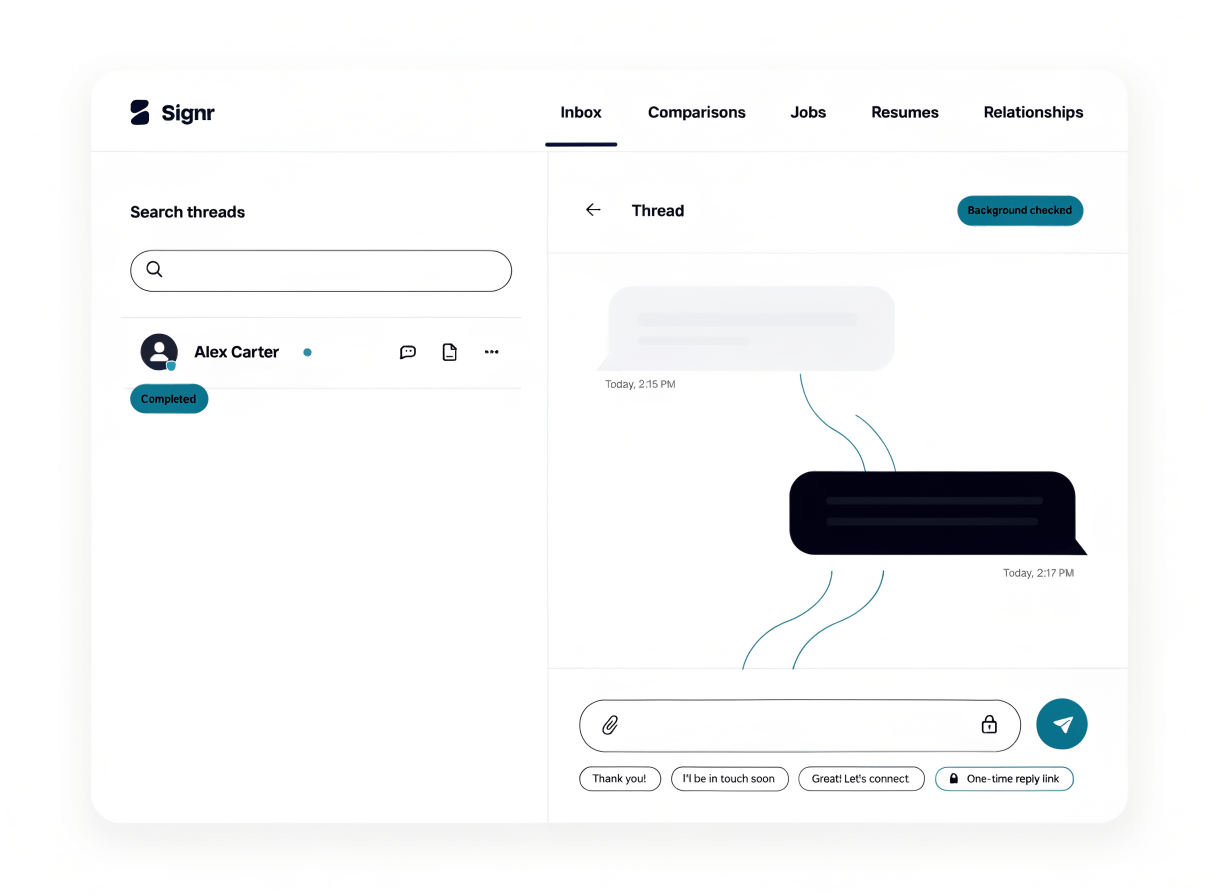
Keep secure replies connected
Each one-time link accepts one reply, which comes back to your email.
Tap a quick reply to answer faster without typing from scratch.
Send yourself a copy of each message.
Send one reply link
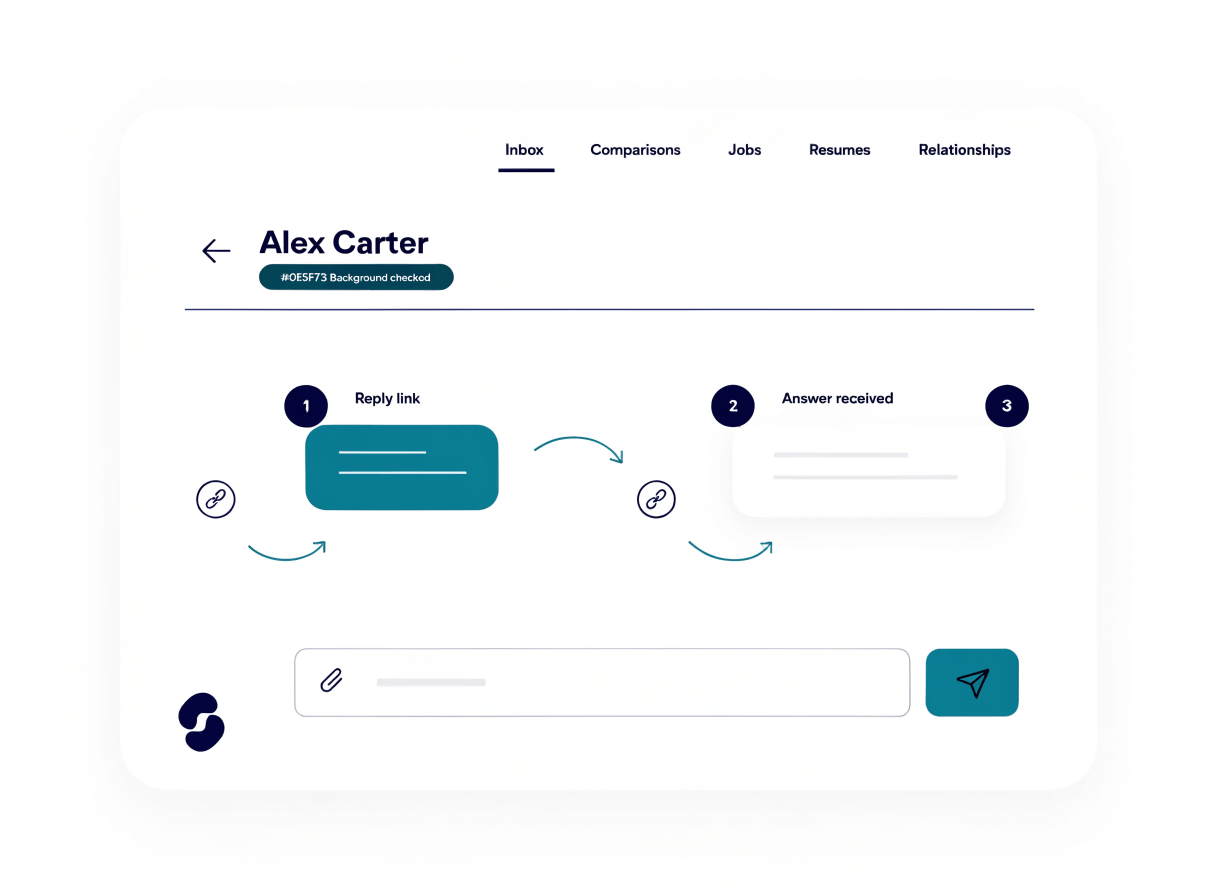
The reply comes back to your email, and the link closes after one use.
- Send your message with a one-time reply link.
- The recipient opens the link and writes their response.
- Signr accepts that reply through the protected flow.
- The response comes back to your email.
- The link closes after the one-time reply.
Use quick replies to answer faster
Keep promising conversations moving with reply shortcuts that make each answer quick, secure, and one click away.
- Tap a quick reply when a simple yes or no fits.
- Use one-time reply links when a reply should stay contained.
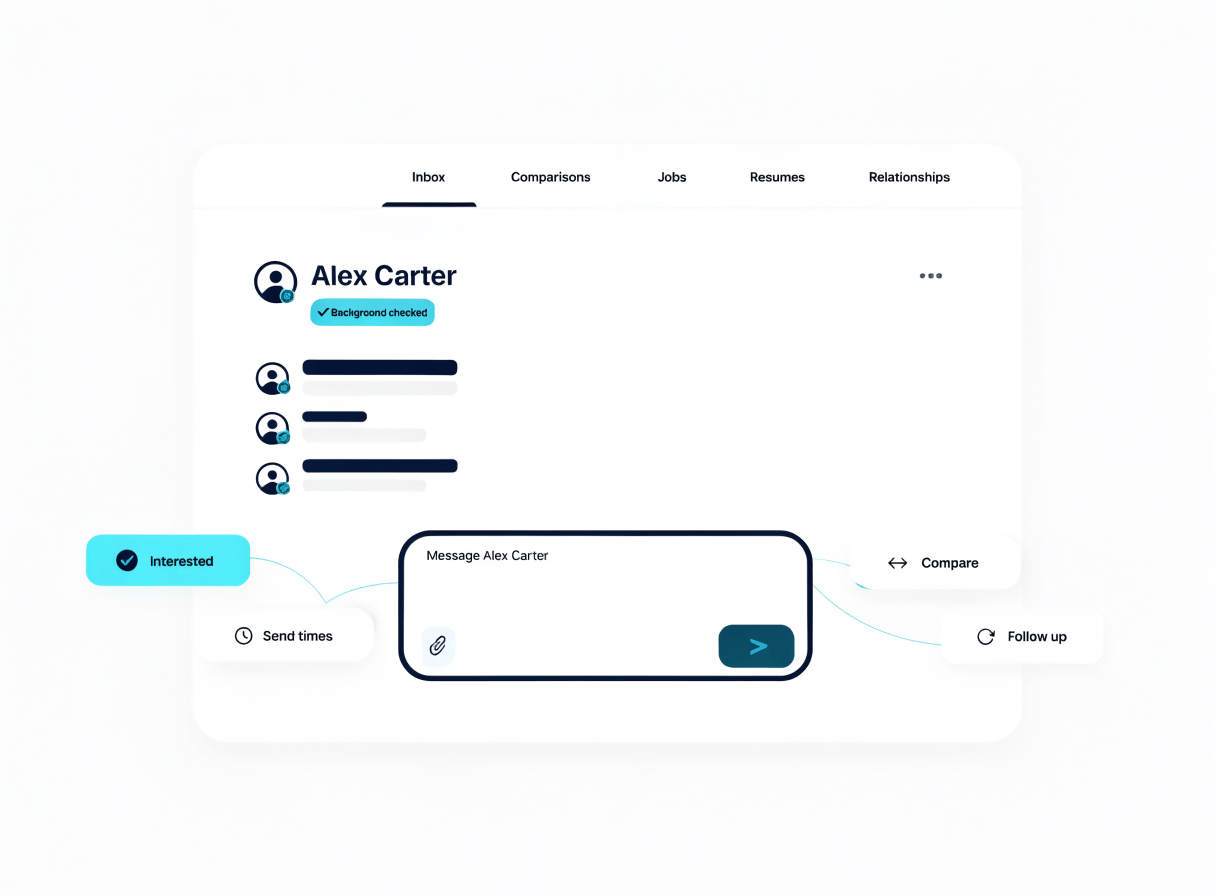
Choose your next messaging move
Direct messages, web chat, extension chat, and messaging help give you clear next steps after a secure reply.
Message anyone directly
Send a direct message with no credits, and keep the chat in one Signr inbox.
Keep chat in one inbox
Use the same chat on the web and in the extension, so replies stay together.
Review support pages
Read privacy, terms, cookie consent, extension, payout, and data details in public support pages.
Start a secure conversation.
Send a message with a one-time reply link, or chat directly from one inbox.