Message anyone on Signr. No credits.
Send direct messages for free, and keep your chats in one Signr inbox.
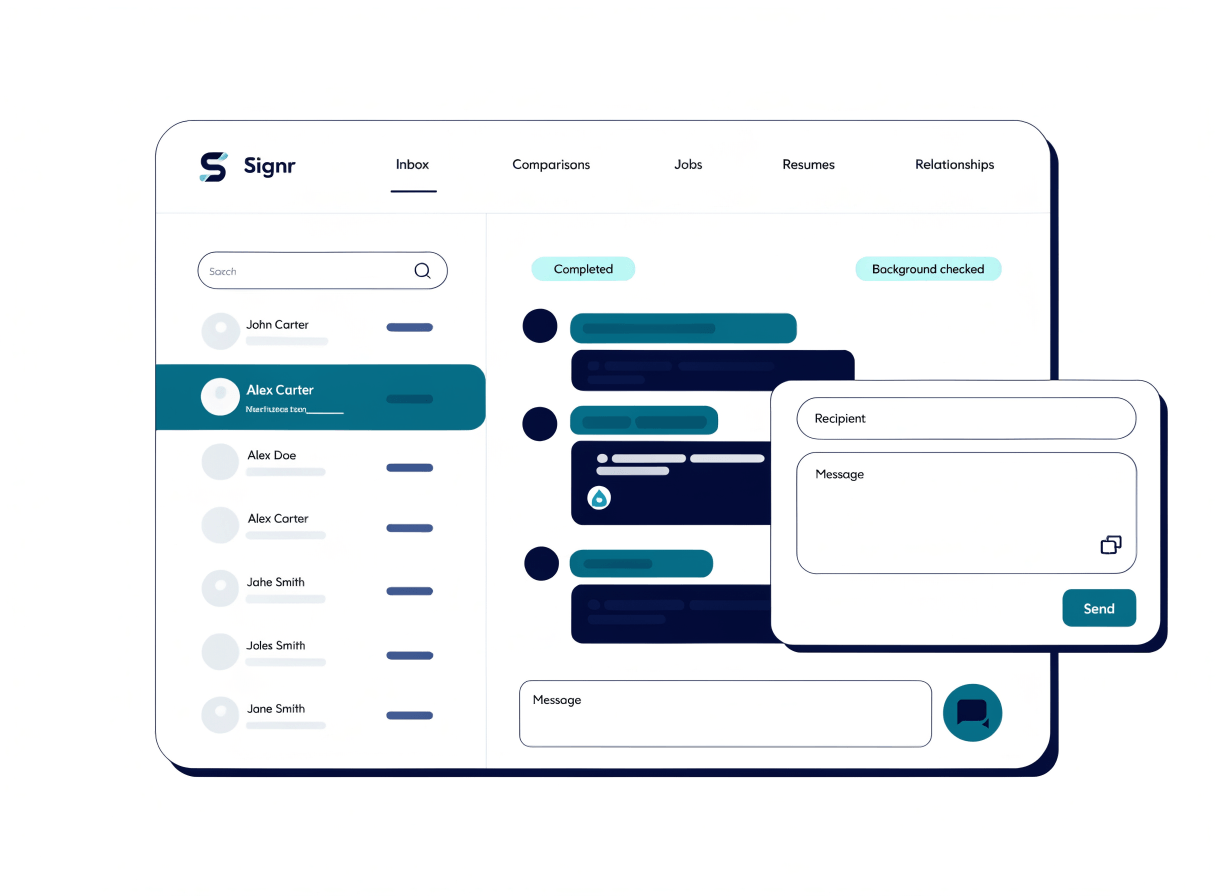
Send from the profile.
Open the message window from a profile or search result and land the thread in your Signr inbox.
- Open a profile or search result.
- Click Message in the Signr panel.
- Write your note and send directly.
- Keep replying in the same inbox.

Choose the right reply path.
Move from first message to the right next step: secure replies, one inbox, or a managed connection.
Use secure replies
Send one-time reply links with quick replies, so people can answer from a safe link.
Use secure replies
Open one inbox
Keep web and extension chats in one conversation you can review before answering.
Open one inbox
Manage relationships
See your connections and the companies and jobs you’ve saved, in one place.
Manage relationships
Stop buying message credits.
Message anyone on Signr from a profile or a search result.