Review search results in bulk.
Too many profiles, too many tabs—pass, connect, save, or connect and save right on the page.
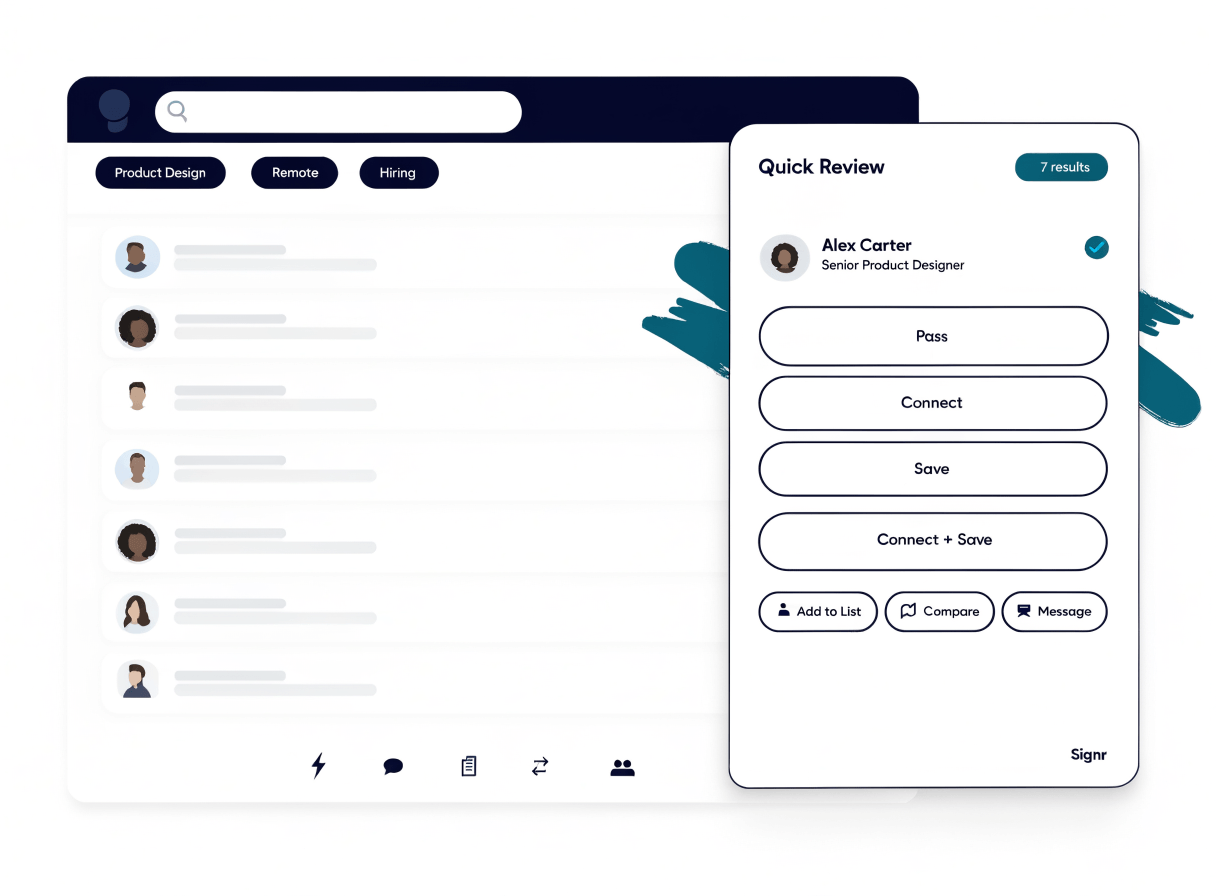
Four quick actions, no tab switching.
Review multiple search results from the extension instead of opening each profile.
Act right on the page as you review search results.
Pick Pass, Connect, Save, or Connect and Save for each result.
You choose the action before anything changes.
Triage search results in bulk.
Move from a crowded list to clear Pass, Connect, Save, or Connect and Save choices without breaking your review flow.
- Open the results list you already use.
- Launch Quick Review from the extension.
- Review each result in the page overlay.
- Mark Pass, Connect, Save, or Connect and Save.
- Leave with clear next moves.
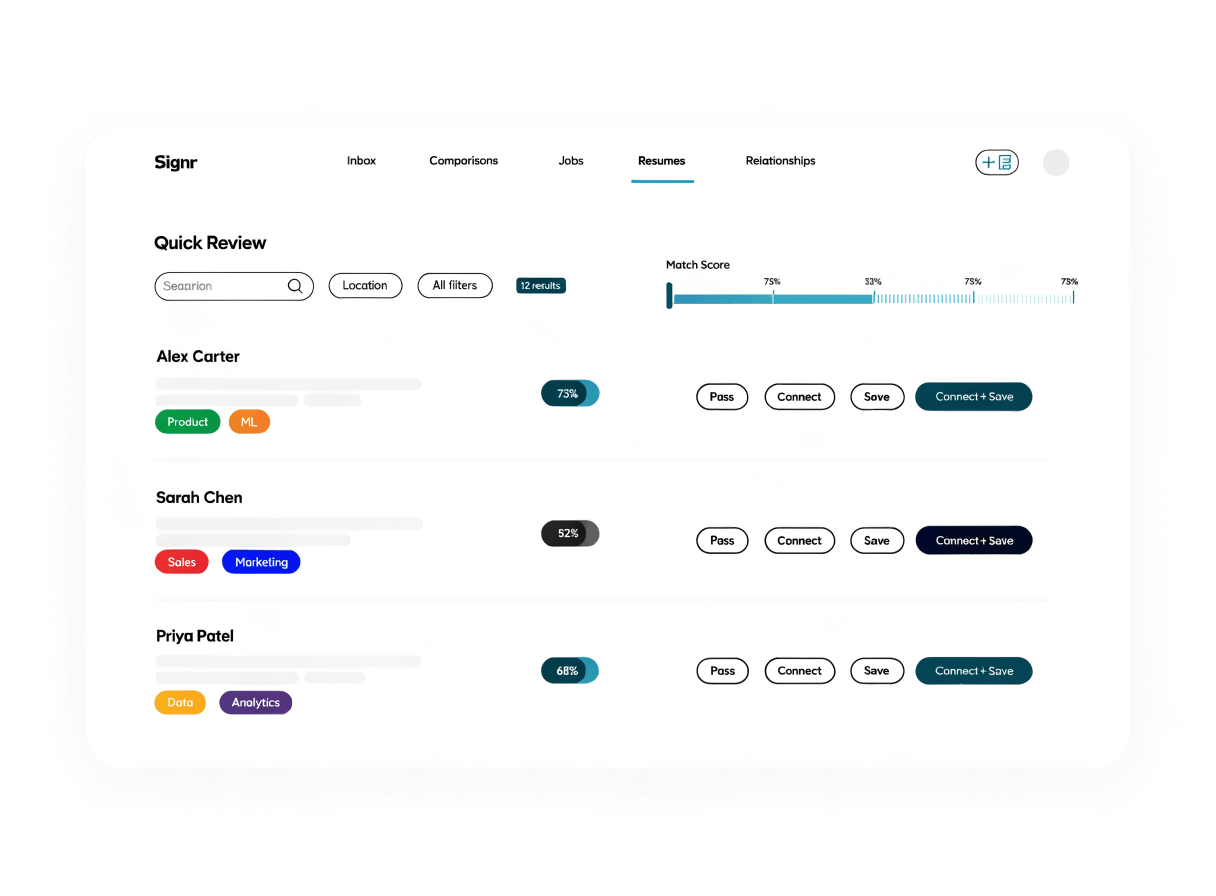
Keep sourcing in motion.
Rebuilding the same shortlist in another tool slows every search. Quick Review lets you sort results in place, so your next pass is already organized.
- Review results on the page where you found them.
- Mark weak fits as Pass before they crowd your list.
- Save promising people for a later, cleaner review.
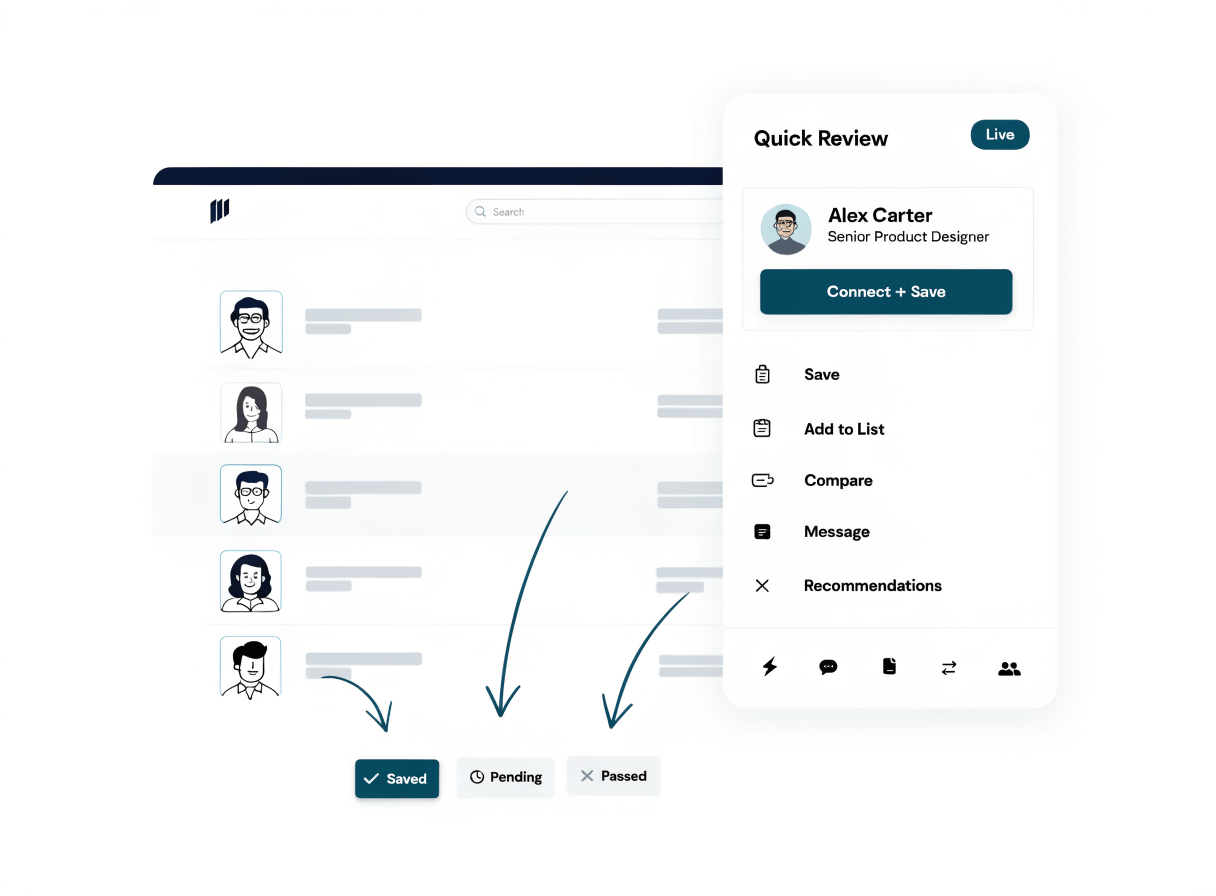
Choose your extension path.
Go broader if you want the extension, or zoom into the overlay behind Quick Review actions.
Review results on the page.
Pass, Connect, Save, or Connect and Save without leaving your search results.