Bring Signr onto the pages you browse
The extension shows profile, company, and job context right on the page, with actions right there.
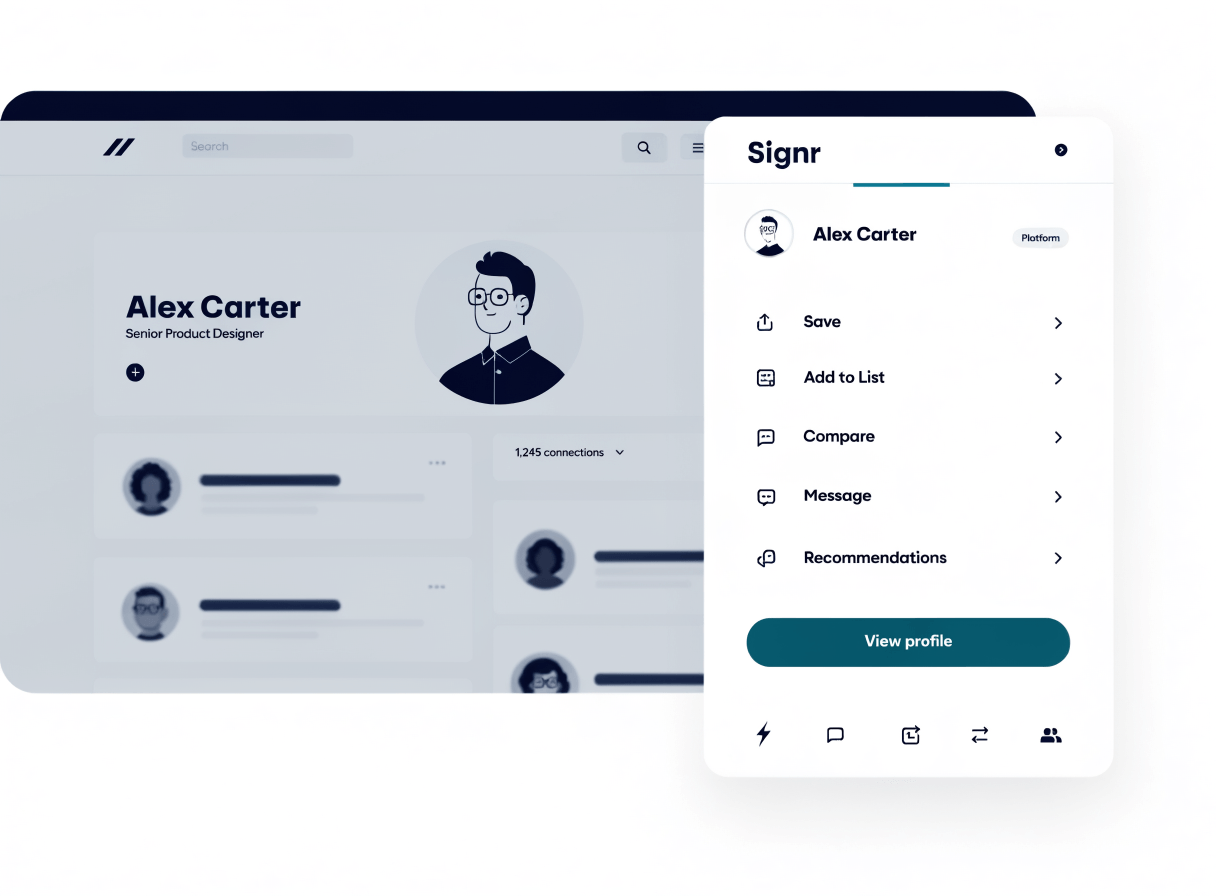
Cut the tab switching.
Add profile, company, and job details beside the page you are checking.
Compare a résumé and job, then review structured fit before switching tabs.
Message anyone on Signr without a paywall.
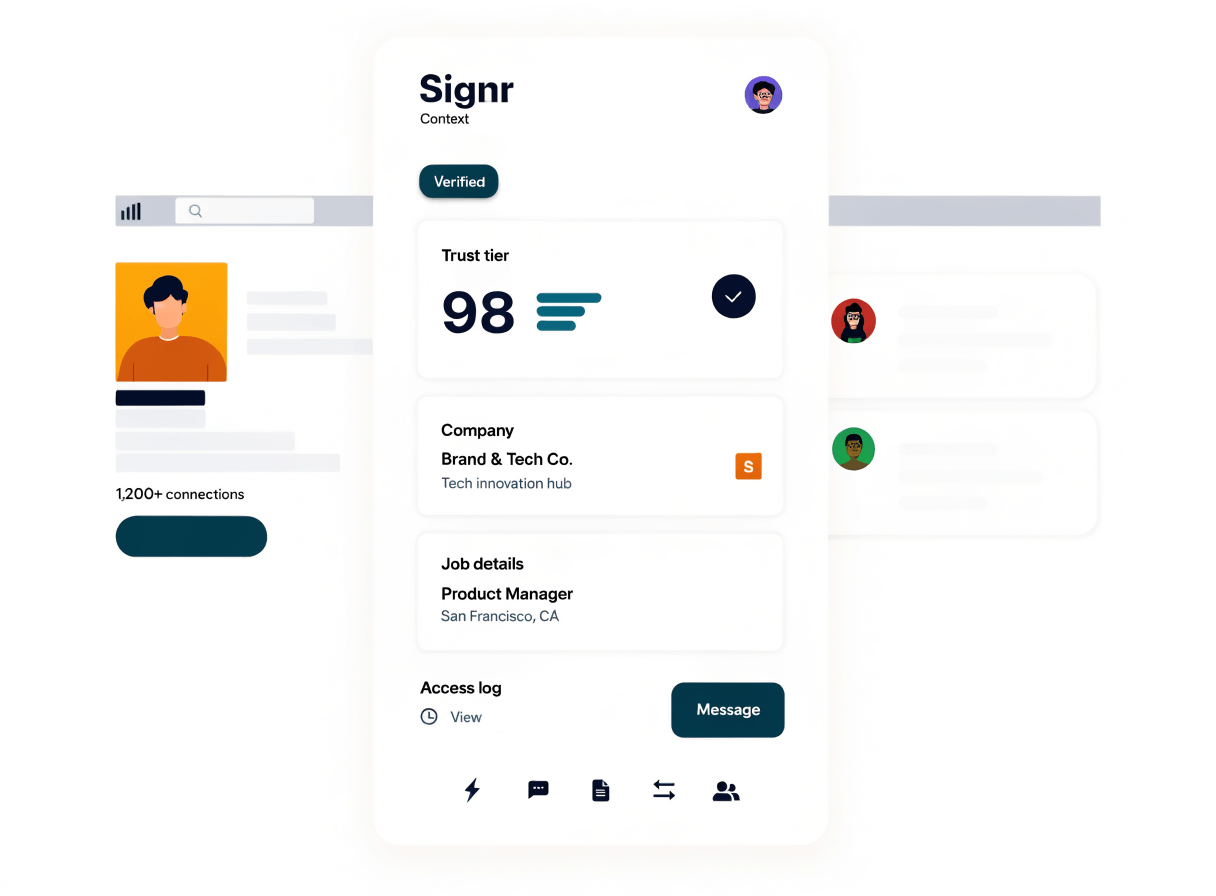
Spot missing context before you act
Signr adds company and job details beside the page you are reading.
- Review company or job context before saving anything.
- Open deeper Signr actions when you need more detail.
- Keep your next move one click away.
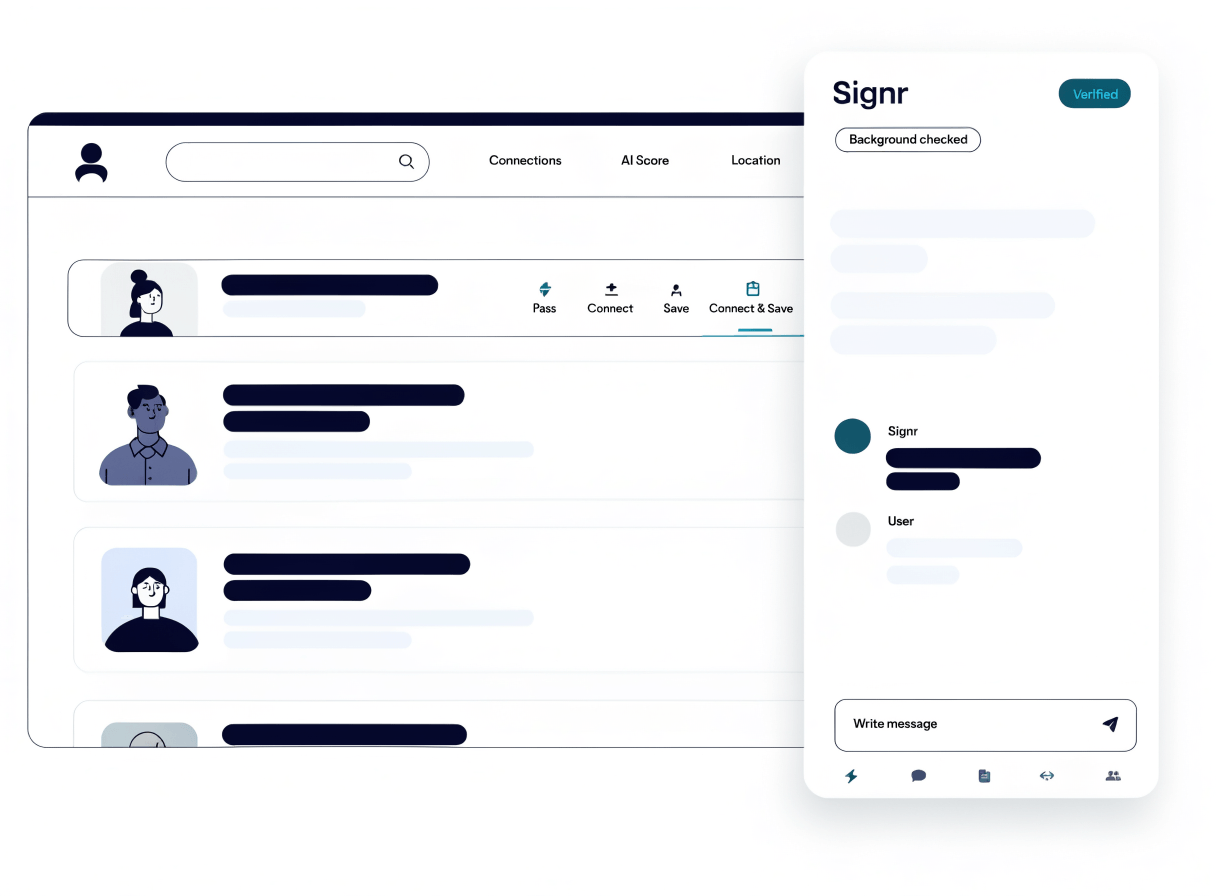
Review fit, then act on the page
Quick Review puts Pass, Connect, Save, and Connect & Save beside search results, while the overlay keeps context and messaging close.
- Spot a job, profile, or result while you browse.
- Open the Signr overlay beside the page.
- Review context or fit details.
- Save, pass, connect, or message from the overlay.
- Move into screening when you need more detail.
Choose what to do next
Keep the page in focus, then move into triage or chat when you need more depth.
Use Signr without installing anything
Keep your work moving from any browser. The extension adds context right on the page, but the full web app still works without it.
Add Signr while you browse.
See profile, company, and job details on supported pages, then act without switching tabs.