Request a payout from your earned balance
Add a payout method, then request a transfer.
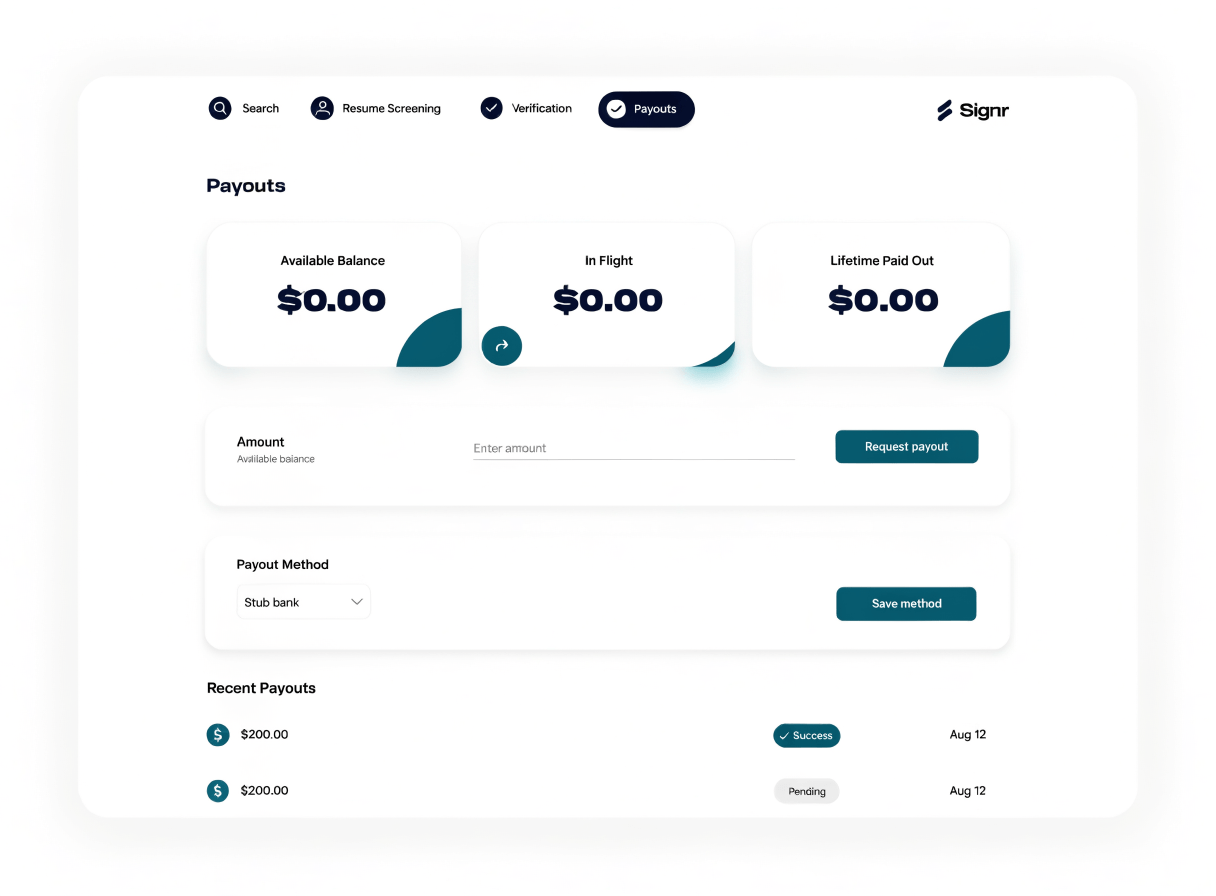
See the payout path upfront
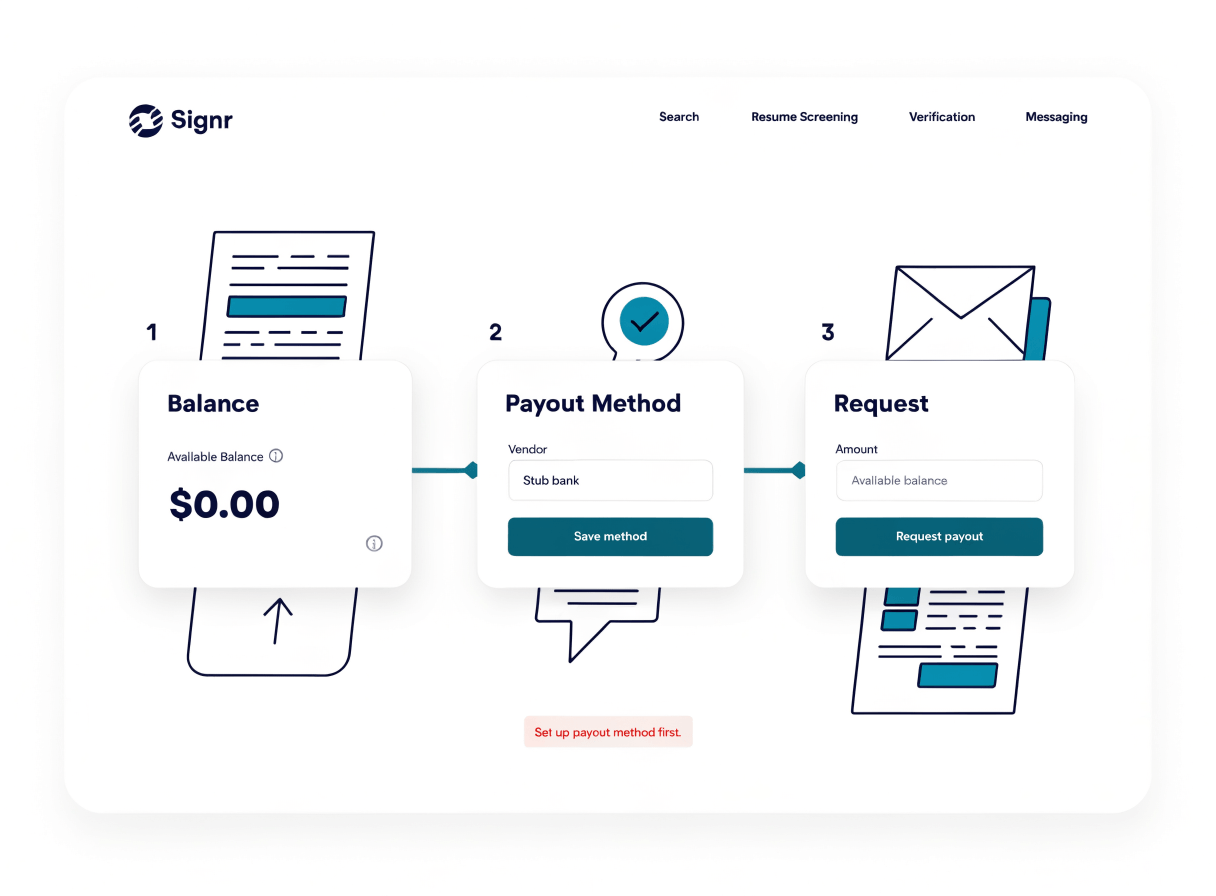
Earned balance
Payout requests draw from the balance you have already earned.
Payout method
Add where you want your transfer sent before you request it.
Transfer request
Request a payout from what you’ve earned.
Request your payout step by step
Turn your earned balance into a clear payout request: choose where it goes, confirm the amount, and send it when you’re ready.
- Add your payout method before you cash out.
- Review the earned balance available for transfer.
- Enter the payout amount you want to request.
- Submit your payout request.
Choose your next earning path.
See what you’ve earned, refer a friend, or get help.
Track your balance
Each entry says what it was for: hours, a referral, or a bounty.
Track earnings
Earn from referrals
When someone you refer is hired into a job advertised on Signr, you earn a share of its ad spend.
Earn from referrals
Get payout help
Get help with payout methods, your earnings, or a payout request.
Get support
Common payout questions
Request your payout today
Track what you’ve earned, add a payout method, and send your request.