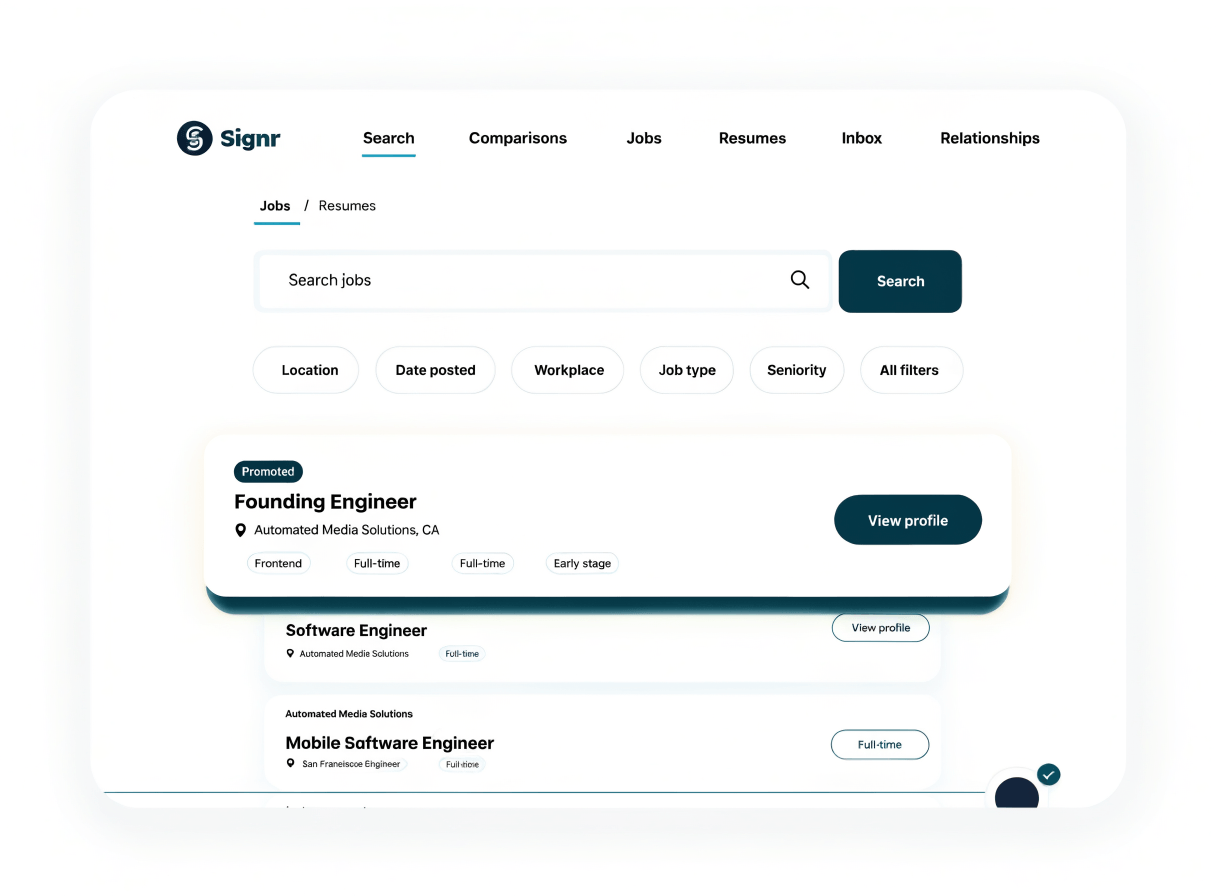
Promote a free job to the top of search.

Your listing can rank higher in public search, with a promoted badge visible to job seekers.

Promoted job listing shown at the top of Signr public search results

Stop guessing what promotion changes.

Post free

Publish the role first, then choose whether to promote it.

Rank higher

Promotion moves your listing higher in public job search.

Visible badge

Job seekers see a promoted badge while browsing the feed.

Clear context

Promotion affects visibility, not whether the job can be posted.

Post free, then promote when ready.

The posting flow stays the same: start free, choose promotion only when a role needs more reach.

  1. Create the listing for free.
  2. Publish it into public search.
  3. Choose promotion if the role needs more reach.
  4. Keep the free listing live either way.
Screenshot of the Signr job posting flow showing promotion as an optional visibility choice

Put promoted roles inside public search.

After you choose promotion, the listing stays in public search with higher ranking and a clear badge.

  • Move the role higher without creating a separate listing.
  • Show a promoted badge in the feed.
  • Reach people already searching real jobs without signing up.
  • Keep promotion part of the same search experience.
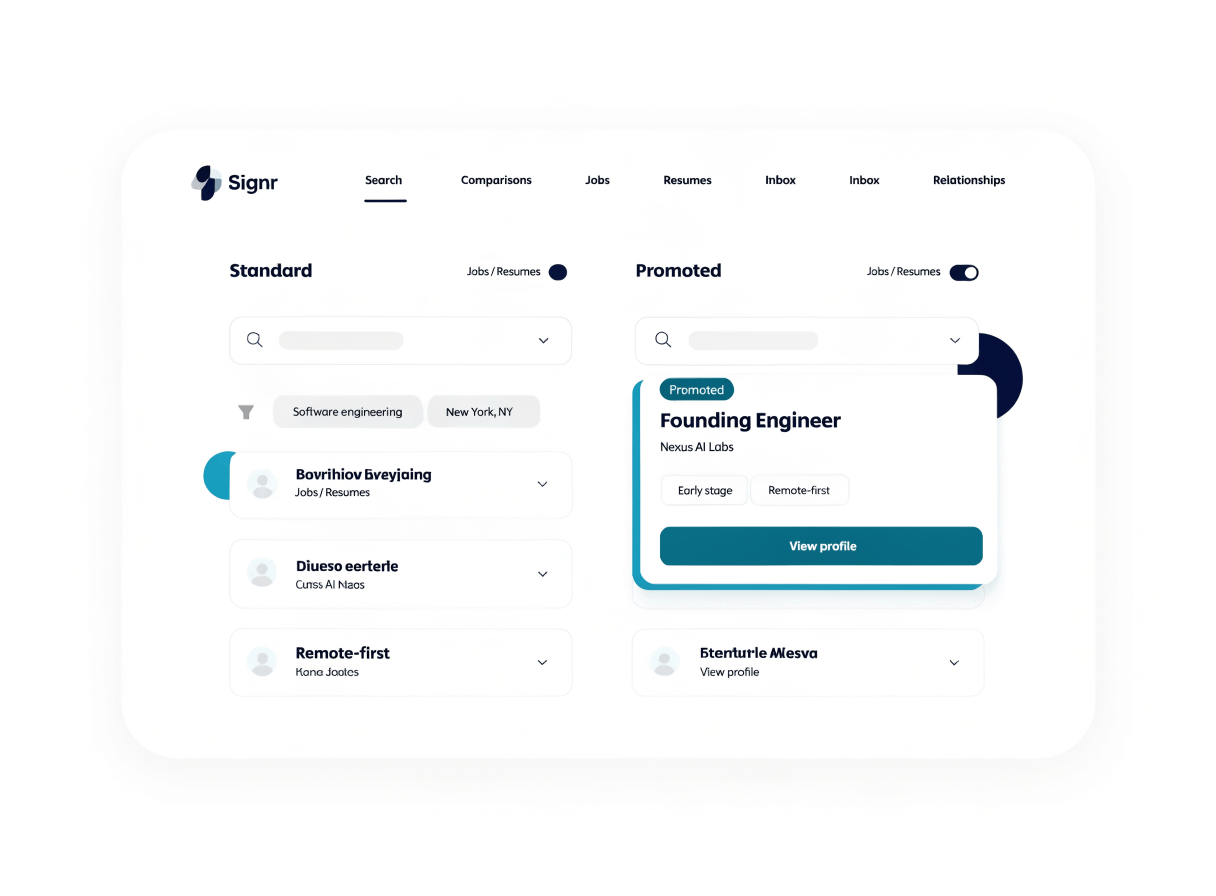
Screenshot of a promoted job ranked higher inside Signr public search with a visible promoted badge

Show promotion right in the feed.

Every promoted listing carries a badge people can see, so higher placement is labeled before they click.

  • Label promoted roles where people browse.
  • Keep free and promoted listings in the same results.
  • Make the ranking boost visible, not hidden.
  • Let people judge the listing with context.

Know what promotion changes.

Post free. Promote when ready.

Now publish first, then move the role higher in public search with a visible promoted badge.